สารบัญ (50 หัวข้อ)
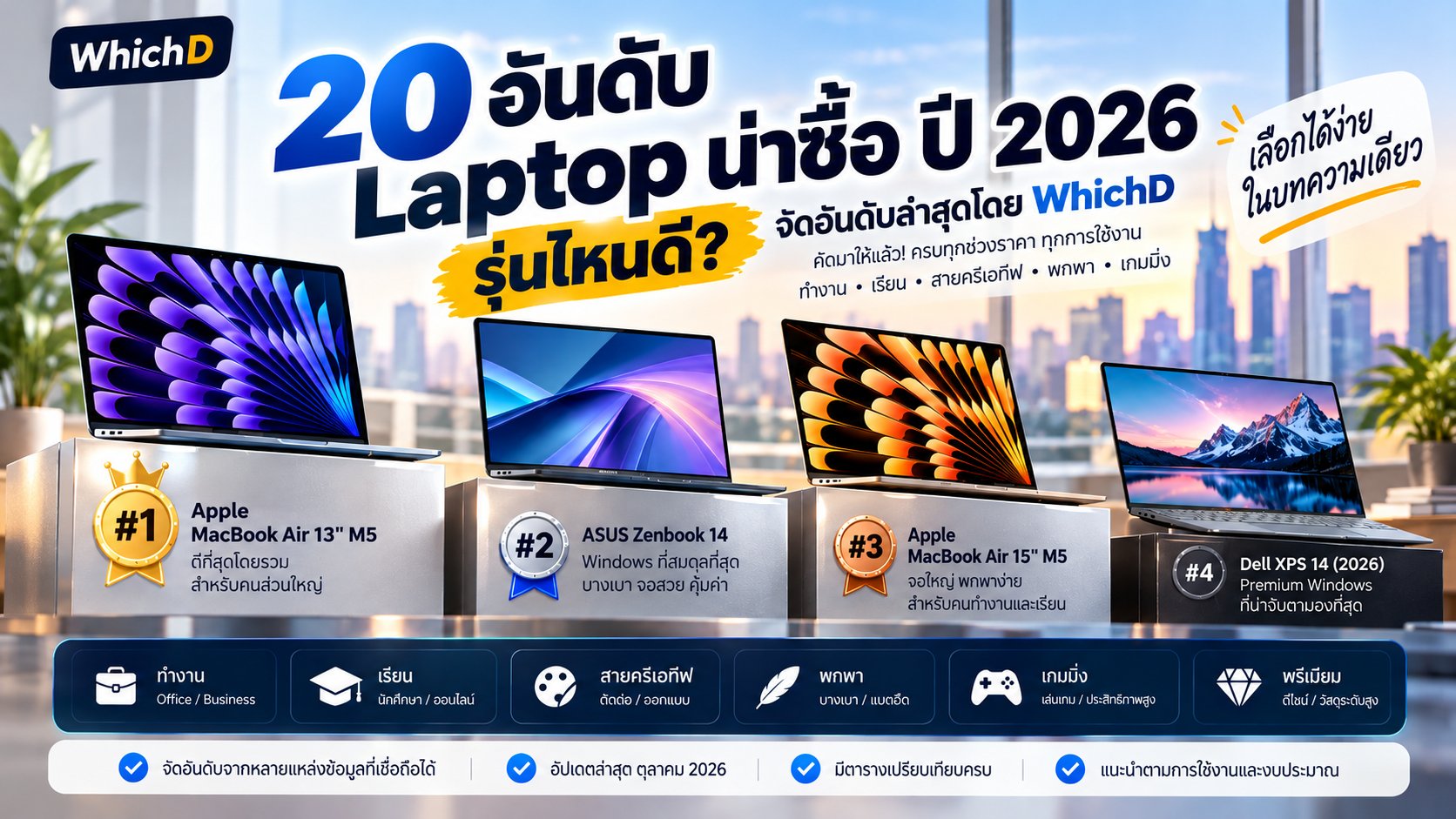
- 20 อันดับ Laptop น่าซื้อ ปี 2026 รุ่นไหนดี? จัดอันดับล่าสุดโดย WhichD
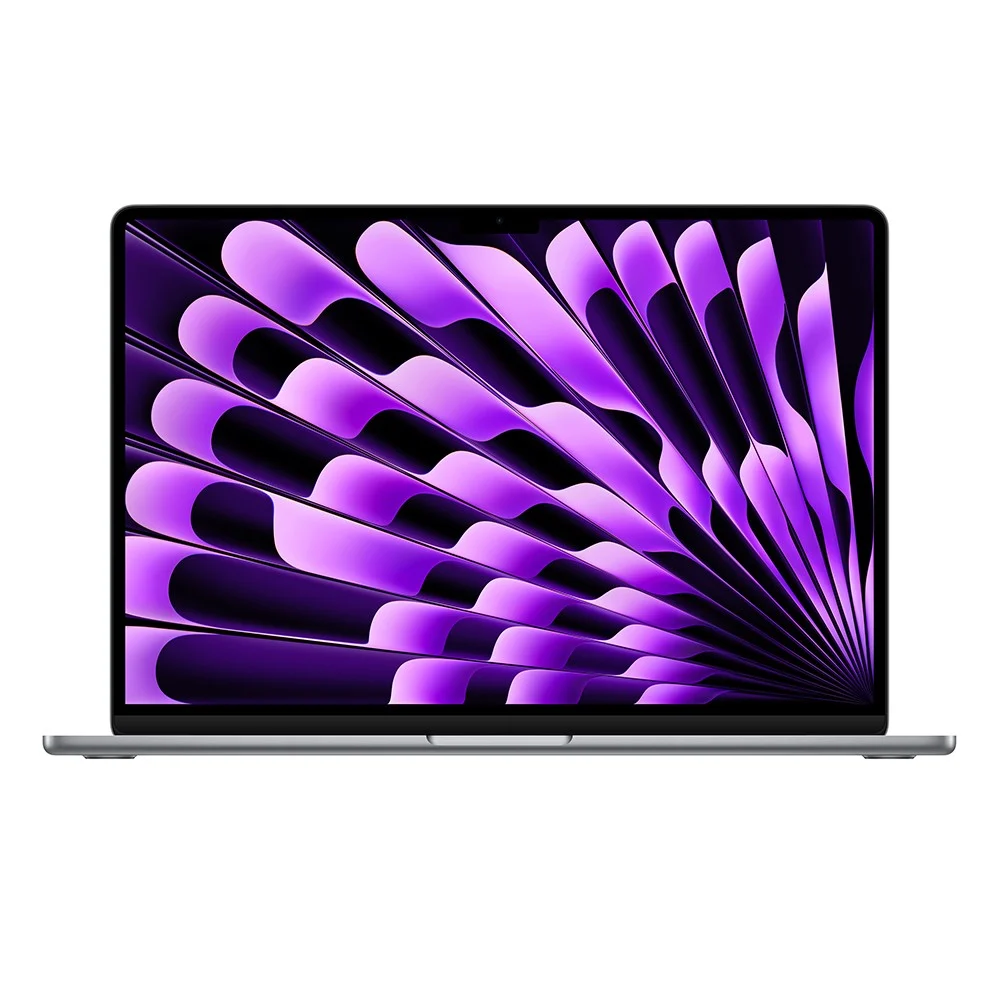
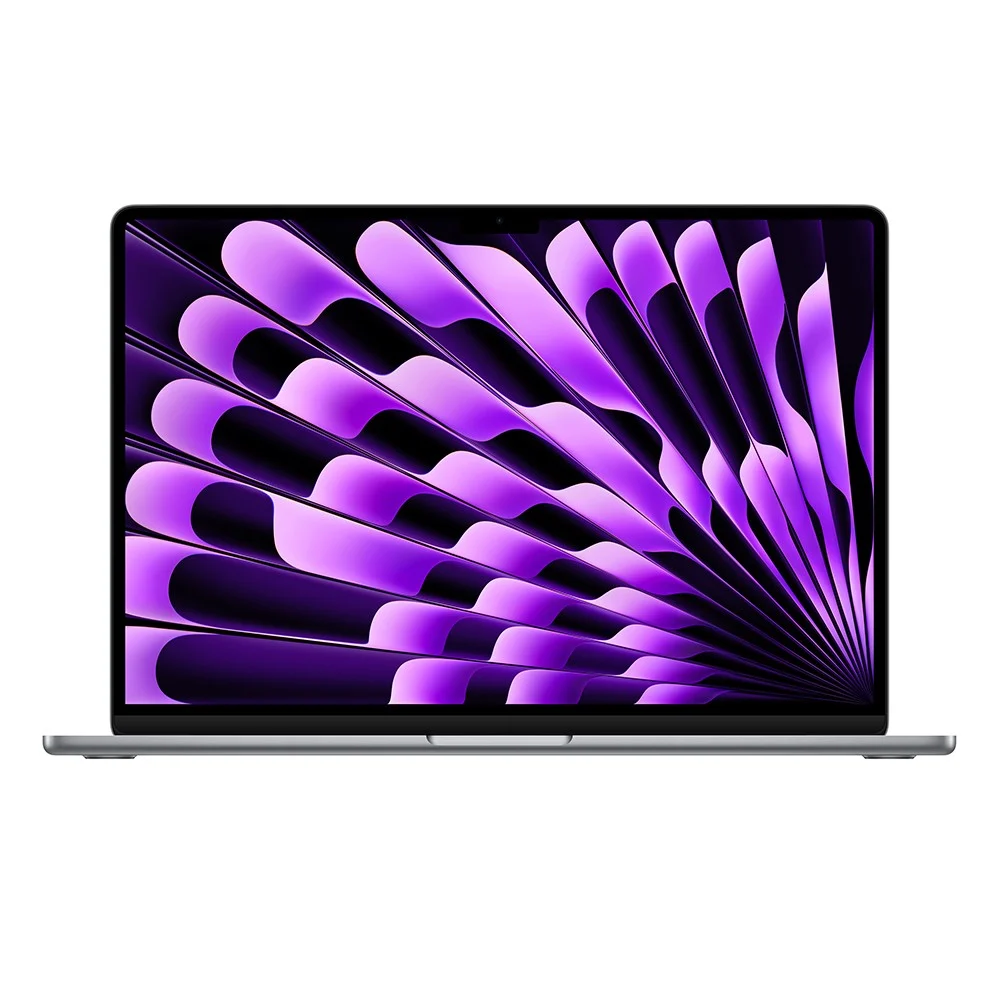
- 🥇 1. Apple MacBook Air 13" M5
- ⭐ WhichD Score: 95/100
- 🥈 2. ASUS Zenbook 14
- ⭐ WhichD Score: 93/100
- 🥉 3. Apple MacBook Air 15" M5
- ⭐ WhichD Score: 92/100
- 4. Dell XPS 14 (2026)
- ⭐ WhichD Score: 91/100
- 5. HP OmniBook 7 14
- ⭐ WhichD Score: 90/100
- 6. Lenovo IdeaPad Slim 5 16
- ⭐ WhichD Score: 89/100
- 7. Microsoft Surface Laptop 13
- ⭐ WhichD Score: 88/100
- 8. HP OmniBook X Flip 14
- ⭐ WhichD Score: 88/100
- 9. Acer Swift Air 16
- ⭐ WhichD Score: 87/100
- 10. ASUS Zenbook 14 AMD
- ⭐ WhichD Score: 87/100
- 11. Apple MacBook Pro 14" M5
- ⭐ WhichD Score: 86/100
- 12. HP OmniBook 5 16
- ⭐ WhichD Score: 85/100
- 13. Lenovo IdeaPad Slim 5 16IMH9
- ⭐ WhichD Score: 85/100
- 14. Dell Inspiron 16
- ⭐ WhichD Score: 84/100
- 15. HP OmniBook 3 15
- ⭐ WhichD Score: 84/100
- 16. Microsoft Surface Laptop 7
- ⭐ WhichD Score: 83/100
- 17. Dell Inspiron 14
- ⭐ WhichD Score: 82/100
- 18. Acer Swift Go 14
- ⭐ WhichD Score: 82/100
- 19. Dell 15
- ⭐ WhichD Score: 80/100
- 20. Dell Inspiron 3530
- ⭐ WhichD Score: 79/100
- Laptop ราคาเท่าไรถึงจะเหมาะ?
- งบไม่เกิน 25,000 บาท
- งบ 25,000–40,000 บาท ⭐ Sweet Spot
- งบ 40,000–60,000 บาท
- 60,000 บาทขึ้นไป
- RAM เท่าไรถึงพอในปี 2026?
- MacBook หรือ Windows แบบไหนดีกว่า?
- วิธีที่ WhichD ใช้จัดอันดับ
- สรุป
20 อันดับ Laptop น่าซื้อ ปี 2026 รุ่นไหนดี? จัดอันดับล่าสุดโดย WhichD
อัปเดตล่าสุด: 7 ตุลาคม 2026
ถ้ากำลังมองหา Laptop เครื่องใหม่ในปี 2026 แต่ไม่รู้ว่าจะเลือกรุ่นไหนดี เพราะมีทั้ง MacBook, Notebook Windows, AI PC, Ultrabook และ Laptop 2-in-1 ให้เลือกเต็มตลาด บทความนี้ WhichD คัด 20 Laptop ที่น่าสนใจและยังมีความเกี่ยวข้องกับตลาดปัจจุบัน มาเปรียบเทียบให้แบบอ่านง่าย
อันดับนี้ ไม่ใช่อันดับยอดขายรวมของประเทศไทย เนื่องจากไม่มีฐานข้อมูลสาธารณะที่เปิดเผยยอดขายระดับรุ่นจากผู้ค้าทุกราย แต่เป็น WhichD Ranking ที่พิจารณาร่วมกันจากความนิยมในตลาดไทย การวางจำหน่าย ราคาและความคุ้มค่า สเปก ความเห็นจากสื่อเทคโนโลยี และความเหมาะสมต่อการใช้งานจริง โดยตรวจสอบข้อมูลจากร้านค้าและเว็บไซต์ผู้ผลิตล่าสุด
สรุปเร็ว: ถ้าต้องเลือกเพียงเครื่องเดียวสำหรับคนทั่วไปในปี 2026 เราให้ MacBook Air 13" M5 เป็นอันดับ 1 ส่วนผู้ใช้ Windows ที่ต้องการความคุ้มค่า ASUS Zenbook 14 เป็นหนึ่งในตัวเลือกที่โดดเด่นที่สุด
ตารางเปรียบเทียบ
| อันดับ | รุ่น | CPU | RAM / SSD | จอ | การเชื่อมต่อ | แบตเตอรี่ | ราคา |
|---|---|---|---|---|---|---|---|
| 1 | Apple MacBook Air 13 (M3 M2) | Apple M2 (CPU 8-core) หรือ Apple M3 (CPU 8-core, 3nm) พร้อม… | 8GB / 16GB / 24GB Unified Memory (แบนด์วิดท์ 100GB/s) /… | 13.6 นิ้ว Liquid Retina Display (2560 x 1664) IPS, 224 ppi,… | — | 52.6Wh ใช้งานสูงสุด 18 ชั่วโมง ชาร์จผ่านพอร์ต MagSafe 3… | — |
| 2 | ASUS Zenbook 14 OLED (UX3405) | Intel Core Ultra 5 125H / Core Ultra 7 155H / Core Ultra 9… | 16GB / 32GB LPDDR5x 7467MHz (Onboard) / 512GB / 1TB M.2… | 14.0 นิ้ว 3K (2880 x 1800) ASUS Lumina OLED 120Hz สัดส่วน… | — | 75Wh (4-cell Li-ion) รองรับชาร์จไวผ่านอะแดปเตอร์ 65W USB… | — |
| 3 | Apple MacBook Air 15 (M3) | Apple M3 (CPU 8-core แบ่งเป็น 4 คอร์ประสิทธิภาพ และ 4… | 8GB / 16GB / 24GB Unified Memory / 256GB / 512GB / 1TB /… | 15.3 นิ้ว Liquid Retina Display (2880 x 1864 พิกเซล) IPS,… | — | 66.5Wh ใช้งานสูงสุด 18 ชั่วโมง ชาร์จผ่าน MagSafe 3 หรือ… | — |
| 4 | Dell XPS 14 / 16 | สูงสุด Intel Core Ultra 7 155H (XPS 14) / สูงสุด Intel Core… | 16GB / 32GB / 64GB LPDDR5x (Soldered เมนบอร์ด / 512GB / 1TB… | XPS 14: 14.5 นิ้ว FHD+ (1920 x 1200) IPS หรือ 3.2K (3200 x… | Intel Killer Wi-Fi 7 (BE200) 2x2 หรือ Wi-Fi 6E, Bluetooth… | XPS 14: 69.5Wh (อะแดปเตอร์ 60W หรือ 100W USB-C Type-C)XPS… | ฿124,990 |
| 5 | HP 15-fd0344TU Natural Silver | Intel Core 5 120U (10 Cores / 12 Threads, แคช 12MB,… | 16GB DDR4 3200MHz (2x 8GB) / 512GB M.2 NVMe PCIe SSD | 14.0 นิ้ว Full HD (1920 x 1080) พาเนล IPS 60Hz ขอบจอบาง… | — | 41Wh (3-cell Li-ion) รองรับ HP Fast Charge (50% ใน 45 นาที)… | ฿41,640 |
| 6 | Lenovo IdeaPad Slim 5 16 (AMD Ryzen 7) | AMD Ryzen 7 8845HS (8 Cores / 16 Threads, ความเร็วสูงสุด… | 16GB / 32GB LPDDR5x 6400MHz (Onboard) หรือ DDR5-5600MHz /… | 16.0 นิ้ว WUXGA (1920 x 1200) IPS สัดส่วน 16:10… | — | 57Wh (หรือตัวเลือก 76Wh) รองรับชาร์จไว Rapid Charge… | ฿34,990 |
| 7 | Microsoft Surface Pro 11 (Copilot+ PC) | Snapdragon X Plus (10 Cores) หรือ Snapdragon X Elite (12… | 16GB / 32GB LPDDR5x (Onboard) / 256GB / 512GB / 1TB… | 13.0 นิ้ว PixelSense Flow (2880 x 1920) สัดส่วน 3:2… | — | 48Wh – 53Wh ใช้งานเปิดวิดีโอสูงสุด 14 ชั่วโมง… | ฿72,000 |
| 8 | HP Laptop 15-fd Series | Intel Core i3-1315U / Core i5-1334U / Core i5-1335U หรือ… | 8GB / 16GB DDR4 3200MHz หรือ DDR5 (มีช่อง SO-DIMM 2 สล็อต… | 15.6 นิ้ว Full HD (1920 x 1080) พาเนล IPS / SVA 60Hz… | — | 41Wh (3-cell Li-ion) รองรับ HP Fast Charge (50% ใน 45 นาที)… | ฿24,690 |
| 9 | Acer Swift Go 16 (SFG16 OLED) | Intel Core Ultra 5 125H / Core Ultra 7 155H หรือ Intel Core… | 16GB / 32GB LPDDR5x (Onboard) / 512GB / 1TB PCIe Gen4 NVMe… | 16.0 นิ้ว 3.2K (3200 x 2000) OLED 120Hz สัดส่วน 16:10… | — | 65Wh (หรือตัวเลือก 70Wh) รองรับชาร์จไวผ่านอะแดปเตอร์ 100W… | ฿42,990 |
| 10 | ASUS Zenbook Duo (Dual OLED) | Intel Core Ultra 7 155H / Core Ultra 9 185H / Core Ultra… | 16GB / 32GB LPDDR5x (Onboard) / 1TB / 2TB M.2 NVMe PCIe 4.0… | 2x 14.0" 3K (2880 x 1800) ASUS Lumina OLED Touchscreen… | — | 75Wh รองรับชาร์จเร็วผ่านอะแดปเตอร์ 65W USB Type-C | — |
| 11 | Apple MacBook Pro 14 (M3 Pro / M4) | ชิป Apple Silicon (M3 Pro / M4) พร้อมสถาปัตยกรรมนาโนเมตร | 16GB / 18GB / 24GB (แบบ Unified Memory) / 512GB / 1TB SSD | 14.2 นิ้ว Liquid Retina XDR (3024 x 1964 พิกเซล) 120Hz… | Wi-Fi 6E (802.11ax), Bluetooth 5.3 | แบตเตอรี่ใช้งานได้สูงสุด 18–24 ชั่วโมง / รองรับ MagSafe 3… | ฿64,900 |
| 12 | HP Envy x360 14 (2-in-1) | Intel Core Ultra 5 125U / Core Ultra 7 155U หรือ AMD Ryzen… | 16GB / 32GB LPDDR5 6400 MT/s (Onboard) / 512GB / 1TB PCIe… | 14.0 นิ้ว 2.8K (2880 x 1800) OLED Touchscreen 120Hz สัดส่วน… | — | 59Wh (3-cell Li-ion Polymer) รองรับ HP Fast Charge (50% ใน… | ฿34,990 |
| 13 | Lenovo IdeaPad Slim 5 14 (Intel Core Ultra) | Intel Core Ultra 5 125H / Core Ultra 7 155H พร้อม NPU Intel… | 16GB / 32GB LPDDR5x 7467MHz (Onboard) / 512GB / 1TB M.2… | 14.0 นิ้ว WUXGA (1920 x 1200) IPS หรือตัวเลือกพาเนล OLED… | — | 57Wh รองรับการชาร์จเร็วผ่านอะแดปเตอร์ 65W USB-C Slim | ฿26,990 |
| 14 | Dell Inspiron 16 (5640) | Intel Core 5 120U / Intel Core 7 150U (10 Cores / 12… | 16GB / 32GB DDR5 5200MT/s (สล็อต Dual SO-DIMM… | 16.0 นิ้ว FHD+ (1920 x 1200) WVA สัดส่วน 16:10… | — | 54Wh (4-cell Li-ion) รองรับชาร์จไวผ่านอะแดปเตอร์ 65W AC… | ฿31,000 |
| 15 | Microsoft Surface Laptop 7 (Copilot+ PC) | Qualcomm Snapdragon X Plus (10 Cores) / Snapdragon X Elite… | 16GB / 32GB LPDDR5x (Onboard) / 256GB / 512GB / 1TB… | รุ่น 13.8 นิ้ว (2304 x 1536) หรือรุ่น 15.0 นิ้ว (2496 x… | — | 54Wh (รุ่น 13.8") / 66Wh (รุ่น 15") ใช้งานสูงสุด 20-22… | — |
| 16 | HP Pavilion Plus 14 (OLED) | AMD Ryzen 7 7840U / Ryzen 7 7840H หรือ Intel Core Ultra 7… | 16GB / 32GB LPDDR5x 6400MHz (Onboard) / 512GB / 1TB PCIe… | 14.0 นิ้ว 2.8K (2880 x 1800) OLED 120Hz สัดส่วน 16:10… | — | 68Wh (4-cell Li-ion Polymer) รองรับ HP Fast Charge (50% ใน… | ฿33,990 |
| 17 | Dell Inspiron 14 (5440) | Intel Graphics (ออนชิป) | 16GB DDR5 5200MT/s (สล็อต Dual SO-DIMM ถ… | 14.0 นิ้ว FHD+ (1920 x 1200) WVA สัดส่วน 16:10… | — | 54Wh (4-cell Li-ion) รองรับชาร์จผ่านอะแดปเตอร์ 65W AC… | ฿32,900 |
| 18 | Acer Swift Go 14 (SFG14 OLED) | Intel Core Ultra 5 125H / Core Ultra 7 155H หรือ AMD Ryzen… | 16GB / 32GB LPDDR5x (Onboard) / 512GB / 1TB PCIe Gen4 NVMe… | 14.0 นิ้ว 2.8K (2880 x 1800) OLED 90Hz สัดส่วน 16:10… | — | 65Wh รองรับชาร์จไวผ่านอะแดปเตอร์ 65W/100W USB-C PD | ฿279,900 |
| 19 | Dell XPS 13 (9340) | Intel Core Ultra 7 155H (16 Cores / 22 Threads,… | 16GB / 32GB / 64GB LPDDR5x 7467 MT/s (Onboard เมนบอร์ด) /… | 13.4 นิ้ว InfinityEdge FHD+ (1920 x 1200) IPS อัตรารีเฟรช… | Intel Killer Wi-Fi 7 (BE200) 2x2, Bluetooth 5.4 | แบตเตอรี่ 3-Cell 55Wh รองรับชาร์จไวผ่านอะแดปเตอร์ 60W USB-C… | ฿85,990 |
| 20 | Dell Inspiron 3530 | Intel Core i3-1305U / Core i5-1334U / Core i5-1335U / Core… | 8GB / 16GB DDR4 2666MHz / 3200MHz (มีช่อง SO-DIMM 2 สล็อต… | 15.6 นิ้ว Full HD (1920 x 1080) พาเนล WVA / IPS รีเฟรชเรต… | — | 3-cell 41Wh หรือ 4-cell 54Wh (Li-ion) รองรับเทคโนโลยี… | ฿22,990 |
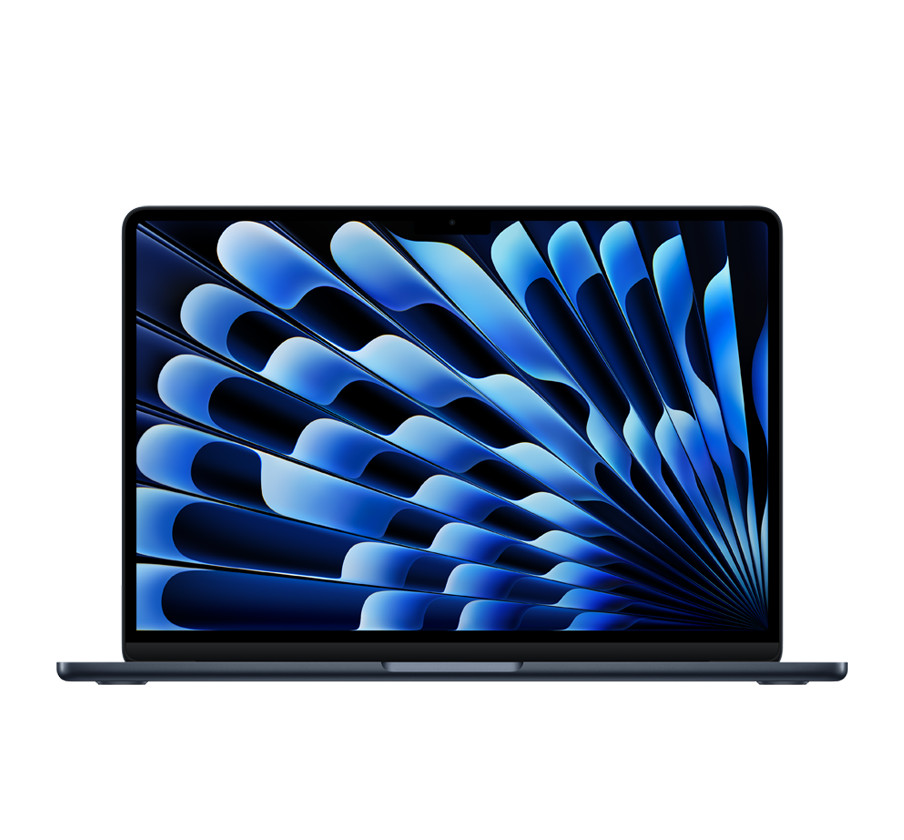
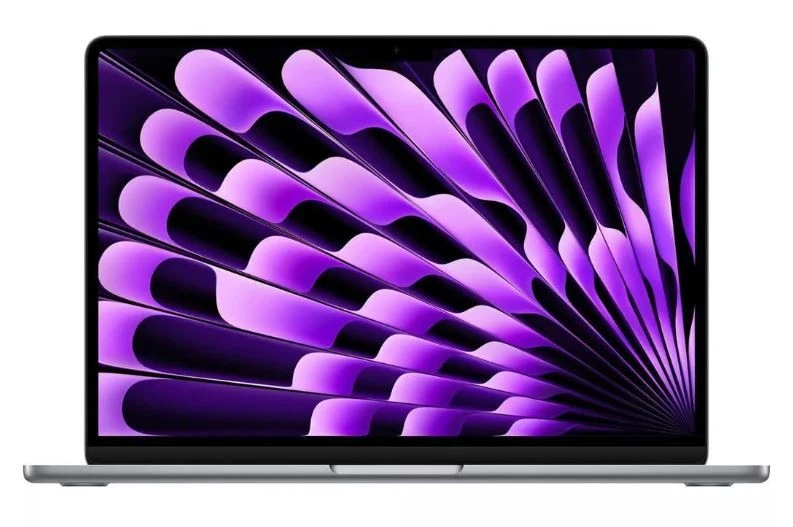
🥇 1. Apple MacBook Air 13" M5
Lorem Ipsum is simply dummy text of the printing and typesetting industry. Lorem Ipsum has been the industry's standard dummy text ever since 1966, when designers at Letraset and James Mosley, the librarian at St Bride Printing Library in London, took a 1914 Cicero translation and scrambled it to make dummy text for Letraset's Body Type sheets. It has survived not only many decades, but also the leap into electronic typesetting, remaining essentially unchanged. It was popularised thanks to these sheets and more recently with desktop publishing software like Aldus PageMaker and Microsoft Word including versions of Lorem Ipsum.
- หน่วยประมวลผล (CPU / Chip) Apple M2 (CPU 8-core) หรือ Apple M3 (CPU 8-core, 3nm) พร้อม Neural Engine 16-core
- หน่วยความจำ (RAM) 8GB / 16GB / 24GB Unified Memory (แบนด์วิดท์ 100GB/s)
- ความจุตัวเครื่อง (Storage) 256GB / 512GB / 1TB / 2TB SSD
- ขนาดและประเภทหน้าจอ (Display) 13.6 นิ้ว Liquid Retina Display (2560 x 1664) IPS, 224 ppi, รองรับสีสัน 1 พันล้านสี ขอบเขตสี P3
⭐ WhichD Score: 95/100
ดีที่สุดโดยรวมสำหรับคนส่วนใหญ่
MacBook Air M5 รุ่น 13 นิ้วขึ้นอันดับหนึ่ง เพราะเป็น Laptop ที่สมดุลมากทั้งด้านประสิทธิภาพ น้ำหนัก แบตเตอรี่ หน้าจอ และประสบการณ์ใช้งาน โดย Apple ระบุว่ารุ่น 13 นิ้วมีราคาไทยเริ่มต้น 36,900 บาท และให้ SSD เริ่มต้น 512GB
ตัวเครื่องมีน้ำหนักประมาณ 1.23 กก. ใช้ชิป Apple M5, Unified Memory เริ่มต้น 16GB และ Apple ระบุแบตเตอรี่สูงสุด 18 ชั่วโมง เหมาะตั้งแต่นักศึกษา คนทำงาน ไปจนถึงงาน Creative ระดับกลาง
จุดเด่น: เบา แบตอึด ประสิทธิภาพสูง เครื่องเงียบ และ Ecosystem ของ Apple แข็งแรง
ข้อสังเกต: จำนวนพอร์ตไม่เยอะ และผู้ที่ต้องใช้โปรแกรมเฉพาะ Windows ควรตรวจสอบ Compatibility ก่อนซื้อ
เหมาะกับ: นักศึกษา / Office / Content Creator / คนทำงานนอกสถานที่
ราคาเริ่มต้น: ประมาณ 36,900 บาท จาก Apple Thailand
ถ้าไม่ได้ติดว่าต้องใช้ Windows โดยเฉพาะ นี่คือ Laptop ที่เราแนะนำง่ายที่สุดสำหรับผู้ใช้ทั่วไปในปี 2026
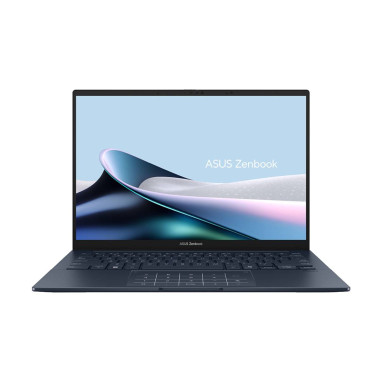
🥈 2. ASUS Zenbook 14
Lorem Ipsum is simply dummy text of the printing and typesetting industry. Lorem Ipsum has been the industry's standard dummy text ever since 1966, when designers at Letraset and James Mosley, the librarian at St Bride Printing Library in London, took a 1914 Cicero translation and scrambled it to make dummy text for Letraset's Body Type sheets. It has survived not only many decades, but also the leap into electronic typesetting, remaining essentially unchanged. It was popularised thanks to these sheets and more recently with desktop publishing software like Aldus PageMaker and Microsoft Word including versions of Lorem Ipsum.
- หน่วยประมวลผล (CPU / Chip) Intel Core Ultra 5 125H / Core Ultra 7 155H / Core Ultra 9 185H พร้อม NPU Intel AI Boost
- หน่วยความจำ (RAM) 16GB / 32GB LPDDR5x 7467MHz (Onboard)
- ความจุตัวเครื่อง (Storage) 512GB / 1TB M.2 NVMe PCIe 4.0 SSD
- ขนาดและประเภทหน้าจอ (Display) 14.0 นิ้ว 3K (2880 x 1800) ASUS Lumina OLED 120Hz สัดส่วน 16:10 ขอบเขตสีกว้าง 100% DCI-P3
⭐ WhichD Score: 93/100
Windows Laptop ที่สมดุลที่สุดรุ่นหนึ่ง
สำหรับคนที่ต้องการ Windows แต่ชอบความบางเบา Zenbook 14 เป็นคู่แข่งโดยตรงของ MacBook Air ที่น่าสนใจมาก
รุ่น UX3405CA มีตัวเลือก Core Ultra 5 ไปจนถึง Core Ultra 9 และจุดขายสำคัญคือจอ 14 นิ้ว 3K OLED 120Hz ซึ่งให้ทั้งความละเอียดและ Refresh Rate สูงกว่า Laptop ทำงานทั่วไปจำนวนมาก
รุ่น Core Ultra 5 มีราคาที่ตรวจสอบได้ประมาณ 34,990–35,990 บาท ขณะที่รุ่น Core Ultra 9 ขยับขึ้นไปประมาณ 49,990 บาท ขึ้นอยู่กับ Configuration
จุดเด่น: OLED 3K 120Hz / บางเบา / Windows / สเปกต่อราคาดี
ข้อสังเกต: มีหลายรหัสรุ่นมาก ต้องตรวจ RAM, SSD และ CPU ให้ดีก่อนสั่งซื้อ
เหมาะกับ: Office / Programmer / นักศึกษา / Creative / ผู้ใช้ Windows
หนึ่งในตัวเลือกแรก ๆ ที่ควรดู หากชอบ MacBook Air แต่ต้องการ Windows
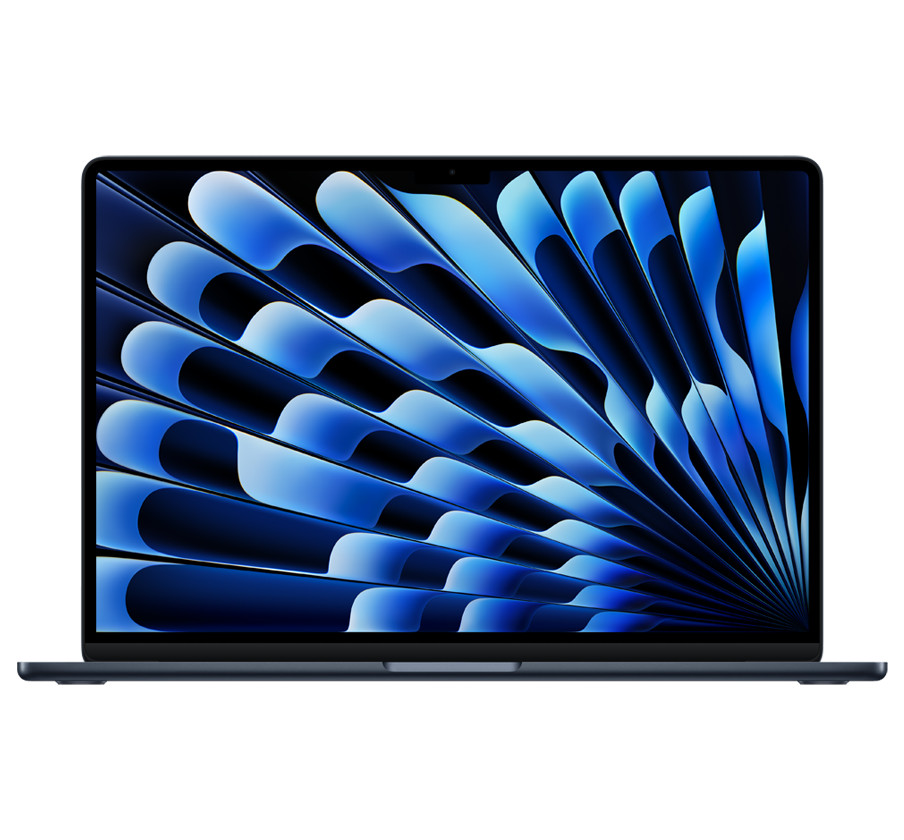
🥉 3. Apple MacBook Air 15" M5
Lorem Ipsum is simply dummy text of the printing and typesetting industry. Lorem Ipsum has been the industry's standard dummy text ever since 1966, when designers at Letraset and James Mosley, the librarian at St Bride Printing Library in London, took a 1914 Cicero translation and scrambled it to make dummy text for Letraset's Body Type sheets. It has survived not only many decades, but also the leap into electronic typesetting, remaining essentially unchanged. It was popularised thanks to these sheets and more recently with desktop publishing software like Aldus PageMaker and Microsoft Word including versions of Lorem Ipsum.
- หน่วยประมวลผล (CPU / Chip) Apple M3 (CPU 8-core แบ่งเป็น 4 คอร์ประสิทธิภาพ และ 4 คอร์ประหยัดพลังงาน) พร้อม Neural Engine 16-core
- หน่วยความจำ (RAM) 8GB / 16GB / 24GB Unified Memory
- ความจุตัวเครื่อง (Storage) 256GB / 512GB / 1TB / 2TB SSD
- ขนาดและประเภทหน้าจอ (Display) 15.3 นิ้ว Liquid Retina Display (2880 x 1864 พิกเซล) IPS, 224 ppi, รองรับสีสัน 1 พันล้านสี ขอบเขตสีกว้าง P3
⭐ WhichD Score: 92/100
Laptop จอใหญ่ที่ยังพกง่าย
ได้ประสบการณ์ส่วนใหญ่เหมือน MacBook Air 13" แต่ขยายจอ Liquid Retina เป็น 15.3 นิ้ว เหมาะกับคนที่เปิด Spreadsheet หลายช่อง ทำ Presentation หรือแบ่งหน้าต่างทำงานบ่อย
Apple เปิดราคาไทยเริ่มต้น 44,900 บาท ขณะที่ราคาจาก Retailer อาจแตกต่างตามโปรโมชั่น โดย JIB มีรายการรุ่น 16GB/512GB ที่ 54,900 บาทและเคยลดเหลือ 53,800 บาทสำหรับบาง SKU/ช่วงเวลา
เหมาะกับ: Office / งานเอกสาร / คนที่อยากได้ Mac จอใหญ่โดยไม่ต้องซื้อ MacBook Pro
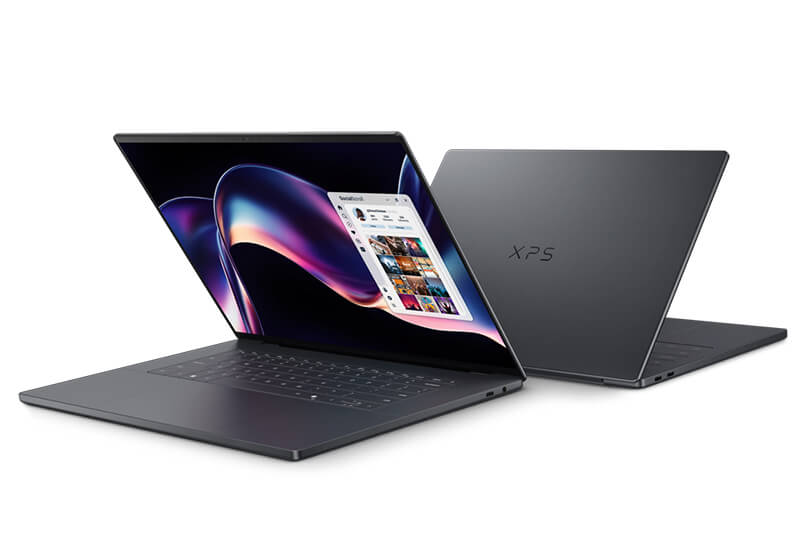
4. Dell XPS 14 (2026)
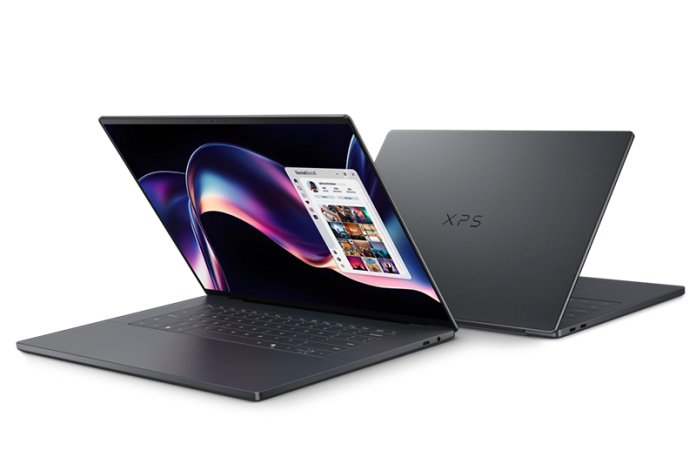
Lorem Ipsum is simply dummy text of the printing and typesetting industry. Lorem Ipsum has been the industry's standard dummy text ever since 1966, when designers at Letraset and James Mosley, the librarian at St Bride Printing Library in London, took a 1914 Cicero translation and scrambled it to make dummy text for Letraset's Body Type sheets. It has survived not only many decades, but also the leap into electronic typesetting, remaining essentially unchanged. It was popularised thanks to these sheets and more recently with desktop publishing software like Aldus PageMaker and Microsoft Word including versions of Lorem Ipsum.
- หน่วยประมวลผล (CPU / Chip) สูงสุด Intel Core Ultra 7 155H (XPS 14) / สูงสุด Intel Core Ultra 9 185H (XPS 16) พร้อม Intel AI Boost (NPU)
- หน่วยความจำ (RAM) 16GB / 32GB / 64GB LPDDR5x (Soldered เมนบอร์ด
- ความจุตัวเครื่อง (Storage) 512GB / 1TB / 2TB / 4TB PCIe 4.0 NVMe M.2 SSD
- ขนาดและประเภทหน้าจอ (Display) XPS 14: 14.5 นิ้ว FHD+ (1920 x 1200) IPS หรือ 3.2K (3200 x 2000) OLED Touchscreen 120Hz/XPS 16: 35.8 ซม. × 24.0 ซม. × หนา 1.87 ซม.
⭐ WhichD Score: 91/100
Premium Windows ที่น่าจับตามองที่สุด
XPS ยังคงเป็นหนึ่งในตระกูล Laptop Premium ที่สำคัญของ Windows และรุ่นปี 2026 ได้รับการยกให้เป็น Best Windows Laptop Overall โดย Tom's Guide จากประสิทธิภาพ Intel Panther Lake, ตัวเลือกจอ OLED Touchscreen และงานประกอบระดับ Premium
จุดเด่น: Design / Build Quality / Display / Performance
ข้อสังเกต: ราคาสูงเมื่อเทียบกับ Laptop Windows ระดับกลาง
เหมาะกับ: Business / Executive / Professional
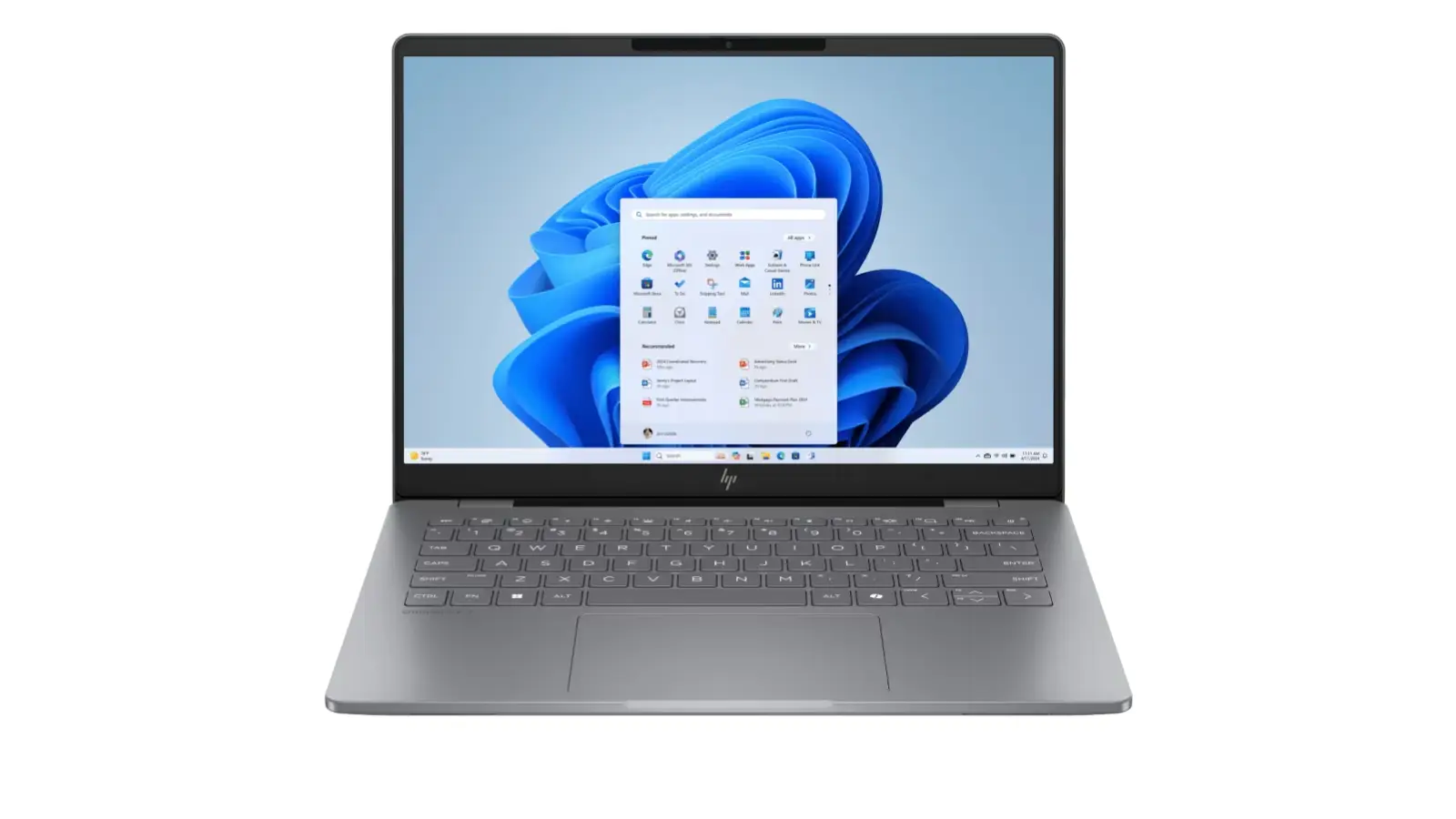
5. HP OmniBook 7 14
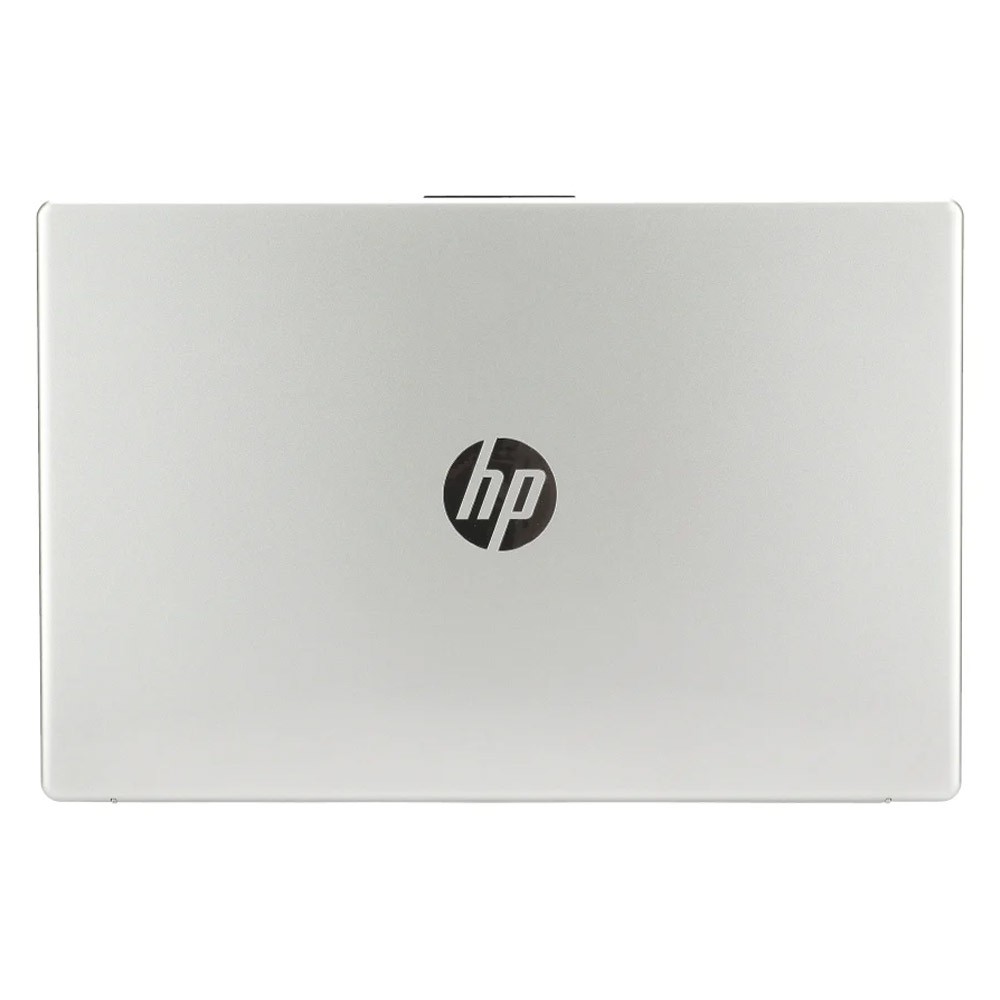
Lorem Ipsum is simply dummy text of the printing and typesetting industry. Lorem Ipsum has been the industry's standard dummy text ever since 1966, when designers at Letraset and James Mosley, the librarian at St Bride Printing Library in London, took a 1914 Cicero translation and scrambled it to make dummy text for Letraset's Body Type sheets. It has survived not only many decades, but also the leap into electronic typesetting, remaining essentially unchanged. It was popularised thanks to these sheets and more recently with desktop publishing software like Aldus PageMaker and Microsoft Word including versions of Lorem Ipsum.
- หน่วยประมวลผล (CPU / Chip) Intel Core 5 120U (10 Cores / 12 Threads, แคช 12MB, ความเร็วสูงสุด 5.0 GHz)
- หน่วยความจำ (RAM) 16GB DDR4 3200MHz (2x 8GB)
- ความจุตัวเครื่อง (Storage) 512GB M.2 NVMe PCIe SSD
- ขนาดและประเภทหน้าจอ (Display) 14.0 นิ้ว Full HD (1920 x 1080) พาเนล IPS 60Hz ขอบจอบาง micro-edge ผิวด้านตัดแสงสะท้อน (Anti-glare)
⭐ WhichD Score: 90/100
สเปกแรง + OLED สำหรับสาย Windows
Configuration ที่น่าสนใจใช้ Core Ultra 7 255H, RAM 32GB, SSD 1TB และจอ 14" 3K OLED 120Hz ในราคาที่ตรวจสอบจาก JIB ได้ที่ประมาณ 50,990 บาท
สเปกระดับนี้เหมาะมากสำหรับคนที่เปิดหลายโปรแกรมพร้อมกัน ทำงานภาพ หรือต้องการ Laptop เครื่องเดียวใช้งานหลายปี
เหมาะกับ: Power User / Office / Creative
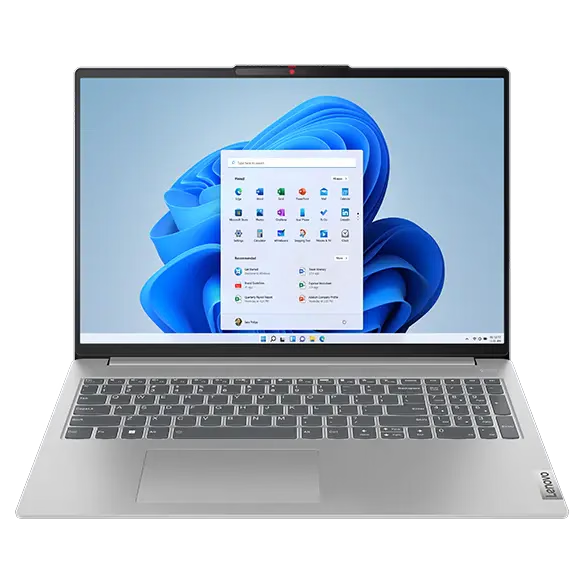
6. Lenovo IdeaPad Slim 5 16
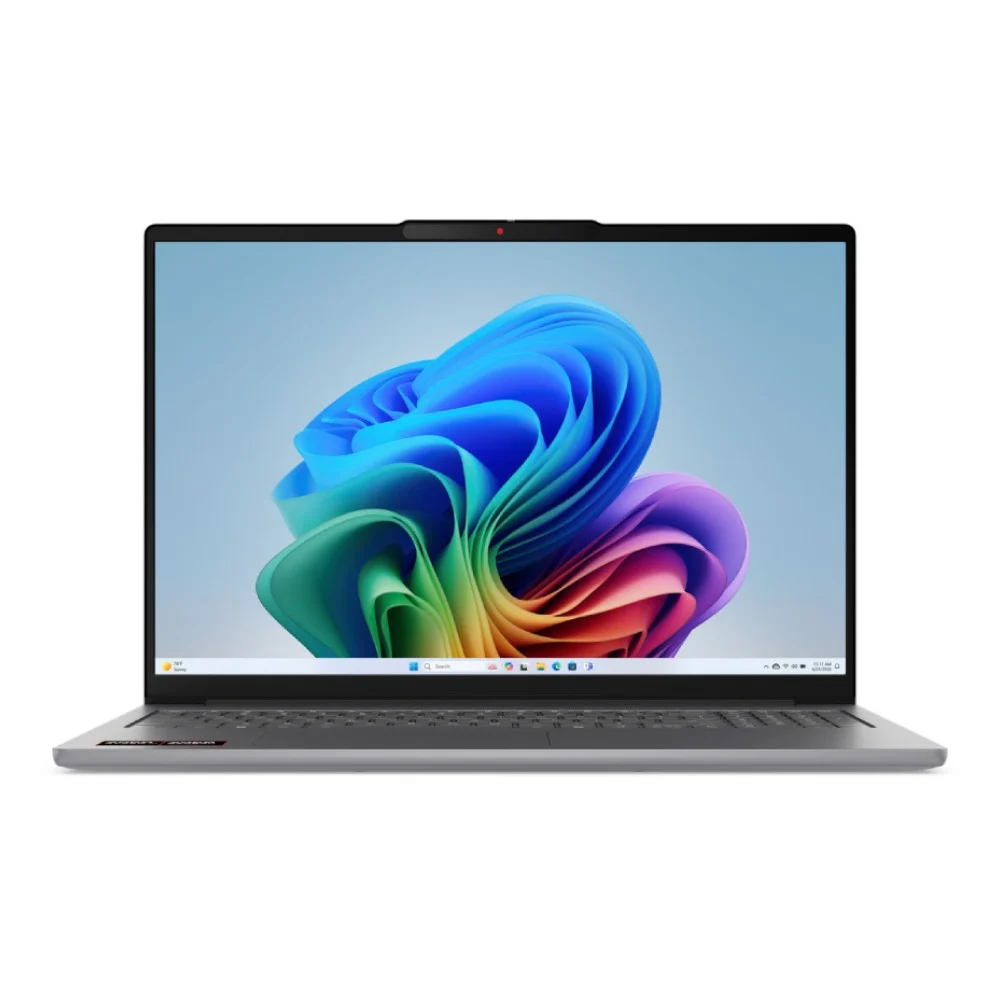
Lorem Ipsum is simply dummy text of the printing and typesetting industry. Lorem Ipsum has been the industry's standard dummy text ever since 1966, when designers at Letraset and James Mosley, the librarian at St Bride Printing Library in London, took a 1914 Cicero translation and scrambled it to make dummy text for Letraset's Body Type sheets. It has survived not only many decades, but also the leap into electronic typesetting, remaining essentially unchanged. It was popularised thanks to these sheets and more recently with desktop publishing software like Aldus PageMaker and Microsoft Word including versions of Lorem Ipsum.
- หน่วยประมวลผล (CPU / Chip) AMD Ryzen 7 8845HS (8 Cores / 16 Threads, ความเร็วสูงสุด 5.1 GHz) พร้อม AMD Ryzen AI (หรือตัวเลือก Ryzen 7 7730U / Ryzen AI 7)
- หน่วยความจำ (RAM) 16GB / 32GB LPDDR5x 6400MHz (Onboard) หรือ DDR5-5600MHz
- ความจุตัวเครื่อง (Storage) 512GB / 1TB M.2 2242 PCIe 4.0 NVMe SSD
- ขนาดและประเภทหน้าจอ (Display) 16.0 นิ้ว WUXGA (1920 x 1200) IPS สัดส่วน 16:10 ป้องกันแสงสะท้อน (หรือตัวเลือก 2K/2.8K OLED 120Hz)
⭐ WhichD Score: 89/100
Laptop ทำงานจอใหญ่ที่ให้สเปกคุ้ม
รุ่น 16IAH10 มี Core Ultra 7 255H และราคาที่พบประมาณ 33,990 บาท ทำให้เป็นตัวเลือกที่น่าสนใจสำหรับคนที่เน้น Performance แต่ไม่อยากขยับไป Laptop Premium ราคา 40,000–50,000 บาท
เหมาะกับ: Office / เรียน / Coding / Multitasking
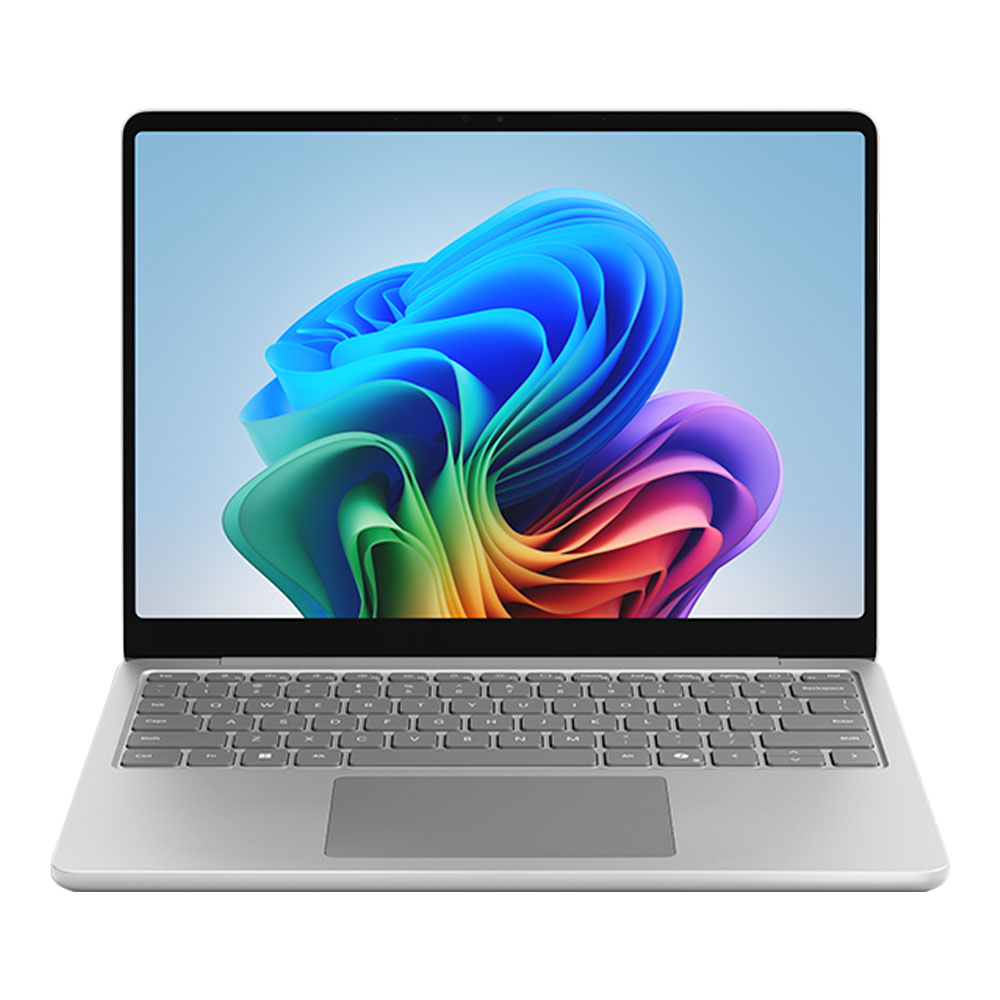
7. Microsoft Surface Laptop 13
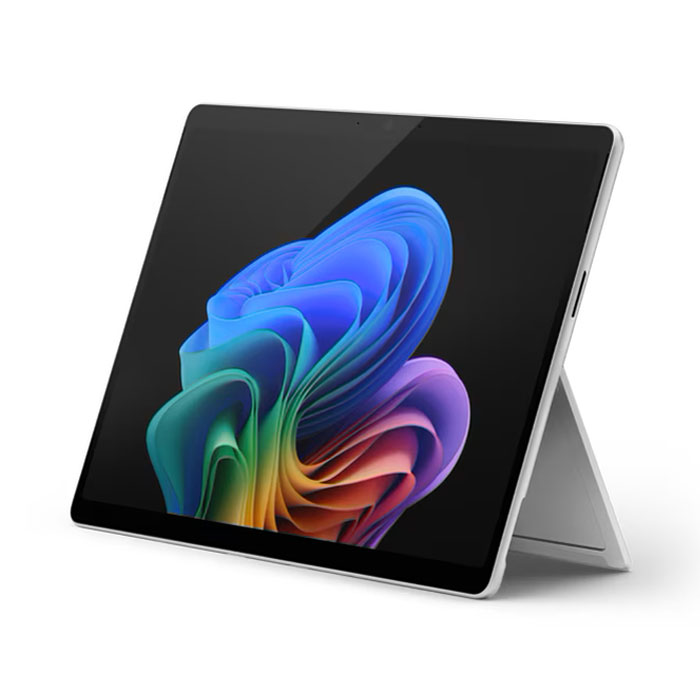
Lorem Ipsum is simply dummy text of the printing and typesetting industry. Lorem Ipsum has been the industry's standard dummy text ever since 1966, when designers at Letraset and James Mosley, the librarian at St Bride Printing Library in London, took a 1914 Cicero translation and scrambled it to make dummy text for Letraset's Body Type sheets. It has survived not only many decades, but also the leap into electronic typesetting, remaining essentially unchanged. It was popularised thanks to these sheets and more recently with desktop publishing software like Aldus PageMaker and Microsoft Word including versions of Lorem Ipsum.
- หน่วยประมวลผล (CPU / Chip) Snapdragon X Plus (10 Cores) หรือ Snapdragon X Elite (12 Cores) พร้อม NPU Qualcomm Hexagon 45 TOPS
- หน่วยความจำ (RAM) 16GB / 32GB LPDDR5x (Onboard)
- ความจุตัวเครื่อง (Storage) 256GB / 512GB / 1TB แบบถอดเปลี่ยนได้ (Removable Gen 4 PCIe NVMe SSD)
- ขนาดและประเภทหน้าจอ (Display) 13.0 นิ้ว PixelSense Flow (2880 x 1920) สัดส่วน 3:2 รีเฟรชเรต 120Hz พาเนล OLED (หรือตัวเลือก LCD ในรุ่น X Plus) กระจก Corning Gorilla Glass 5
⭐ WhichD Score: 88/100
Windows Laptop สำหรับคนที่ให้ความสำคัญกับการพกพา
Surface Laptop ใช้ Snapdragon X Plus, RAM 16GB และมีรุ่น SSD 512GB โดยราคาที่พบในไทยประมาณ 47,900 บาท
จุดเด่นคือประสบการณ์ Windows ที่ Microsoft ออกแบบทั้ง Hardware และ Software เอง
ข้อสังเกต: Snapdragon เป็น ARM ดังนั้นโปรแกรมเฉพาะทางบางประเภทควรตรวจสอบ Compatibility ก่อนซื้อ
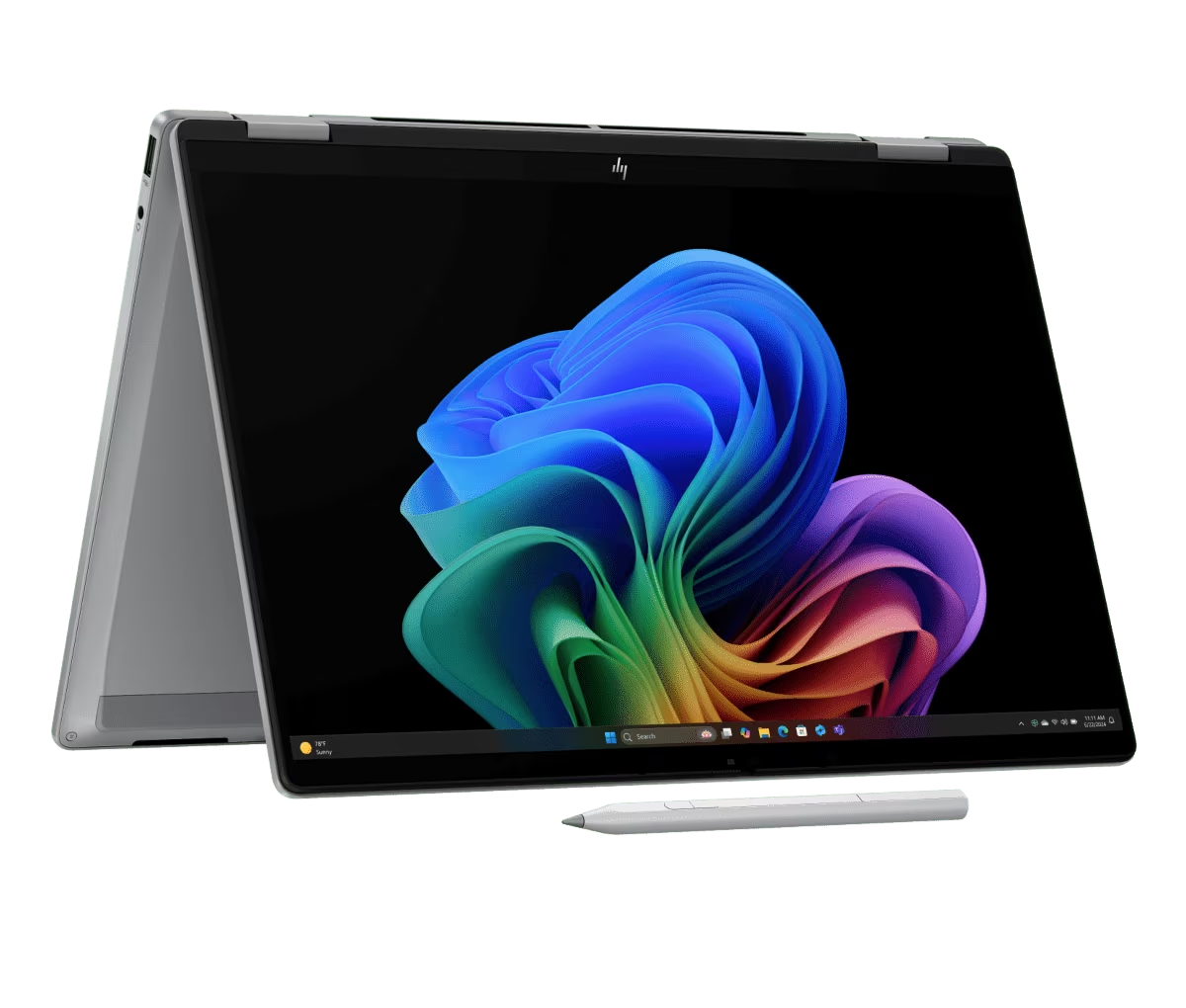
8. HP OmniBook X Flip 14
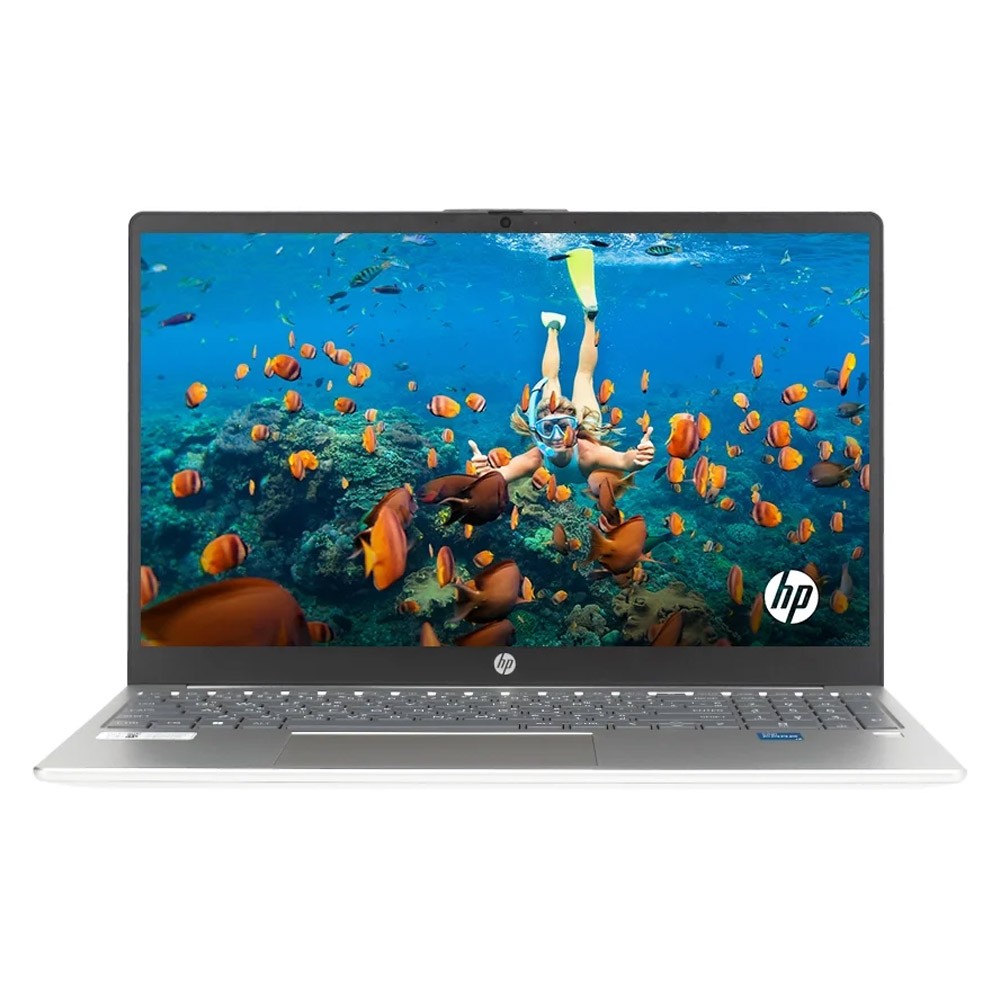
Lorem Ipsum is simply dummy text of the printing and typesetting industry. Lorem Ipsum has been the industry's standard dummy text ever since 1966, when designers at Letraset and James Mosley, the librarian at St Bride Printing Library in London, took a 1914 Cicero translation and scrambled it to make dummy text for Letraset's Body Type sheets. It has survived not only many decades, but also the leap into electronic typesetting, remaining essentially unchanged. It was popularised thanks to these sheets and more recently with desktop publishing software like Aldus PageMaker and Microsoft Word including versions of Lorem Ipsum.
- หน่วยประมวลผล (CPU / Chip) Intel Core i3-1315U / Core i5-1334U / Core i5-1335U หรือ Intel Core 3 100U / Core 5 120U / Core 7 150U (ตามรุ่นย่อย)
- หน่วยความจำ (RAM) 8GB / 16GB DDR4 3200MHz หรือ DDR5 (มีช่อง SO-DIMM 2 สล็อต รองรับการอัปเกรด)
- ความจุตัวเครื่อง (Storage) 512GB M.2 NVMe PCIe SSD
- ขนาดและประเภทหน้าจอ (Display) 15.6 นิ้ว Full HD (1920 x 1080) พาเนล IPS / SVA 60Hz สัดส่วน 16:9 ขอบจอบาง micro-edge ผิวด้านตัดแสงสะท้อน (Anti-glare)
⭐ WhichD Score: 88/100
2-in-1 ที่คุ้มมาก
ถ้าต้องการ Laptop ที่พลิกจอได้ 360 องศา รุ่นนี้น่าสนใจมาก เพราะได้ Core Ultra 5 226V และราคาที่ตรวจสอบล่าสุดอยู่ที่ประมาณ 28,990 บาท
เหมาะกับคนที่ต้อง Present งาน จดโน้ต หรืออยากได้อุปกรณ์กึ่ง Laptop/Tablet
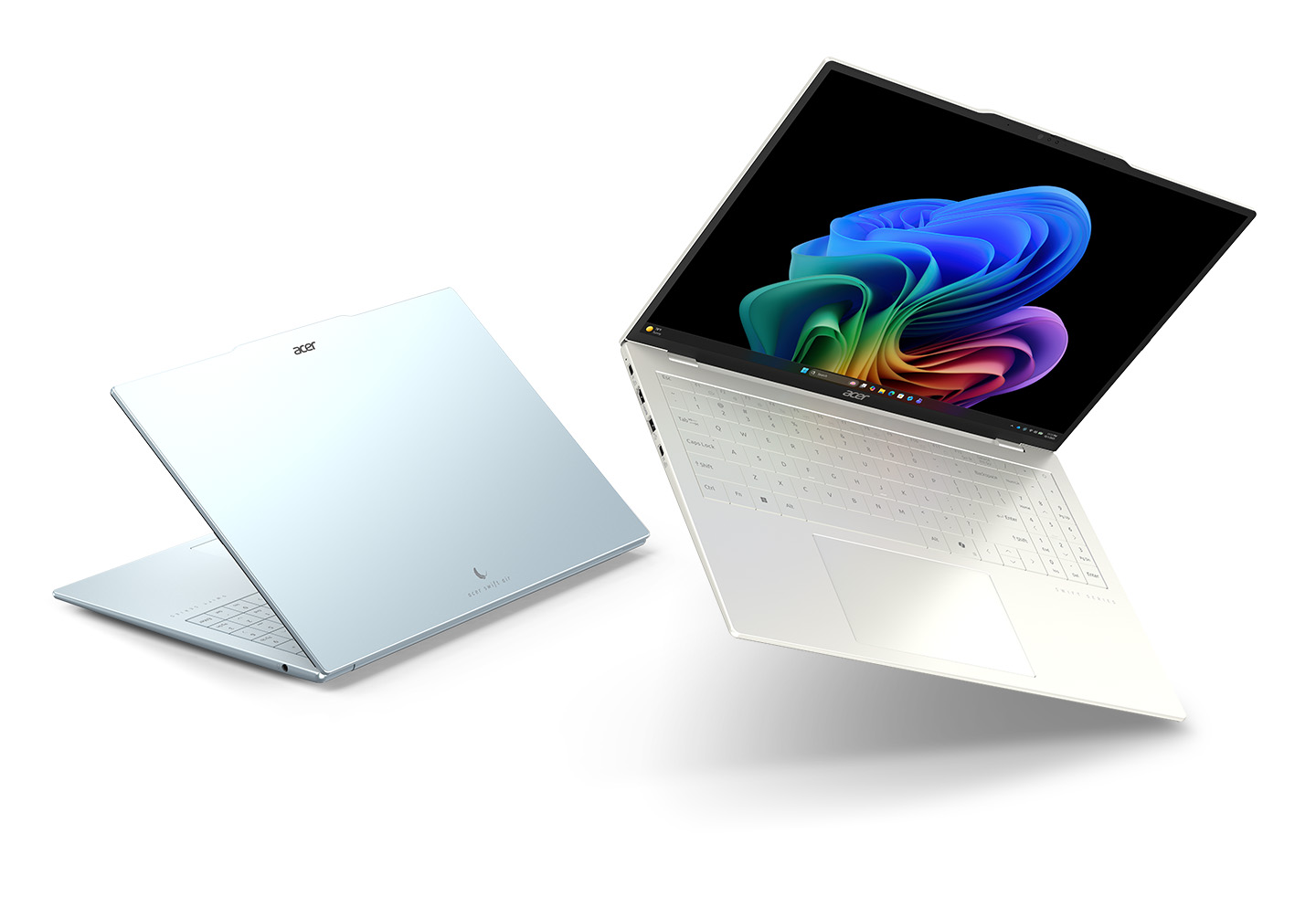
9. Acer Swift Air 16
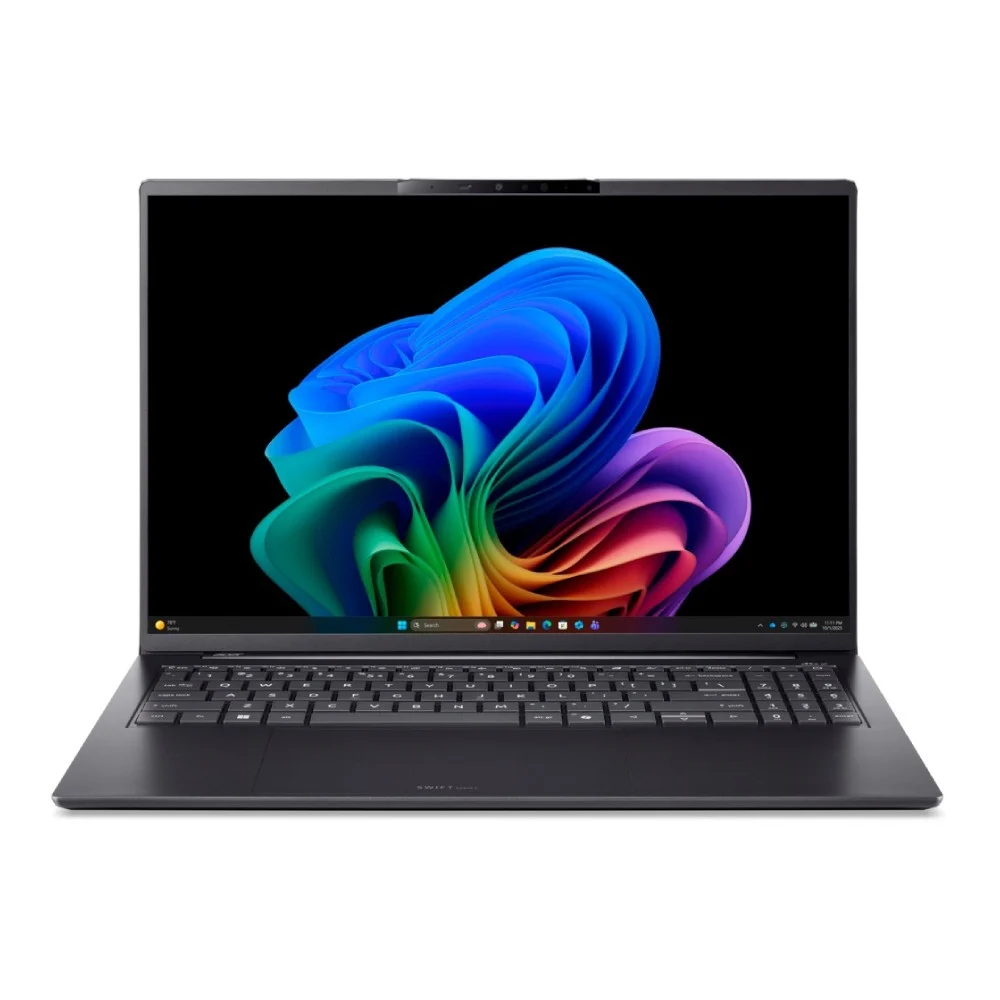
Lorem Ipsum is simply dummy text of the printing and typesetting industry. Lorem Ipsum has been the industry's standard dummy text ever since 1966, when designers at Letraset and James Mosley, the librarian at St Bride Printing Library in London, took a 1914 Cicero translation and scrambled it to make dummy text for Letraset's Body Type sheets. It has survived not only many decades, but also the leap into electronic typesetting, remaining essentially unchanged. It was popularised thanks to these sheets and more recently with desktop publishing software like Aldus PageMaker and Microsoft Word including versions of Lorem Ipsum.
- หน่วยประมวลผล (CPU / Chip) Intel Core Ultra 5 125H / Core Ultra 7 155H หรือ Intel Core Ultra Series 2 (Lunar Lake) / AMD Ryzen 8000/Ryzen AI Series (พร้อมชิป NPU ในตัว)
- หน่วยความจำ (RAM) 16GB / 32GB LPDDR5x (Onboard)
- ความจุตัวเครื่อง (Storage) 512GB / 1TB PCIe Gen4 NVMe M.2 SSD
- ขนาดและประเภทหน้าจอ (Display) 16.0 นิ้ว 3.2K (3200 x 2000) OLED 120Hz สัดส่วน 16:10 ขอบเขตสี 100% DCI-P3
⭐ WhichD Score: 87/100
จอใหญ่ OLED สำหรับสายพกพา
ได้ Ryzen AI 7 350 และจอ 16" 2.8K OLED 120Hz ในราคาประมาณ 36,990 บาท จากข้อมูลราคาที่ตรวจสอบได้
เหมาะกับคนที่อยากได้พื้นที่หน้าจอเยอะโดยยังคงแนวคิด Laptop บางเบา
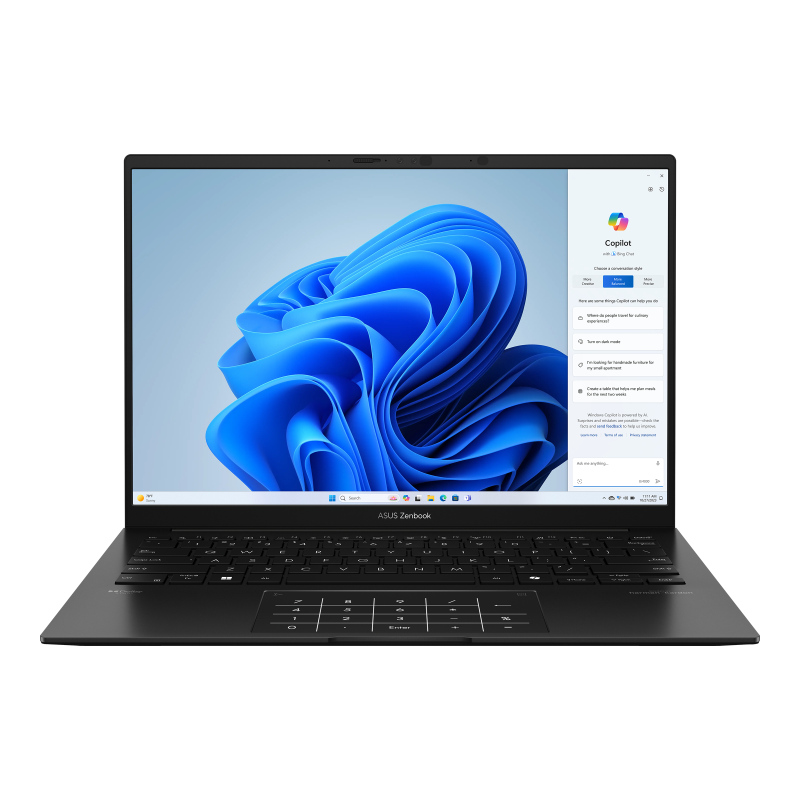
10. ASUS Zenbook 14 AMD
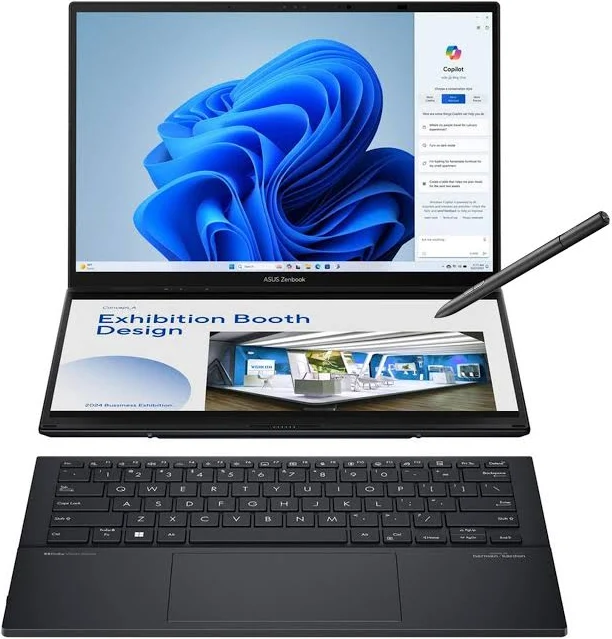
Lorem Ipsum is simply dummy text of the printing and typesetting industry. Lorem Ipsum has been the industry's standard dummy text ever since 1966, when designers at Letraset and James Mosley, the librarian at St Bride Printing Library in London, took a 1914 Cicero translation and scrambled it to make dummy text for Letraset's Body Type sheets. It has survived not only many decades, but also the leap into electronic typesetting, remaining essentially unchanged. It was popularised thanks to these sheets and more recently with desktop publishing software like Aldus PageMaker and Microsoft Word including versions of Lorem Ipsum.
- หน่วยประมวลผล (CPU / Chip) Intel Core Ultra 7 155H / Core Ultra 9 185H / Core Ultra 200V Series (พร้อม NPU Intel AI Boost)
- หน่วยความจำ (RAM) 16GB / 32GB LPDDR5x (Onboard)
- ความจุตัวเครื่อง (Storage) 1TB / 2TB M.2 NVMe PCIe 4.0 SSD
- ขนาดและประเภทหน้าจอ (Display) 2x 14.0" 3K (2880 x 1800) ASUS Lumina OLED Touchscreen 120Hz สัดส่วน 16:10 รองรับปากกา Stylus
⭐ WhichD Score: 87/100
อีก Configuration ที่น่าสนใจของ Zenbook 14 ใช้ Ryzen AI 7 350 + RAM 32GB + SSD 1TB + OLED 3K 120Hz ในราคาอ้างอิงประมาณ 39,990 บาท
ถ้าเปิด Chrome จำนวนมาก, Excel ใหญ่, Coding หรือทำงานหลาย Application พร้อมกัน RAM 32GB ทำให้รุ่นนี้น่าสนใจเป็นพิเศษ
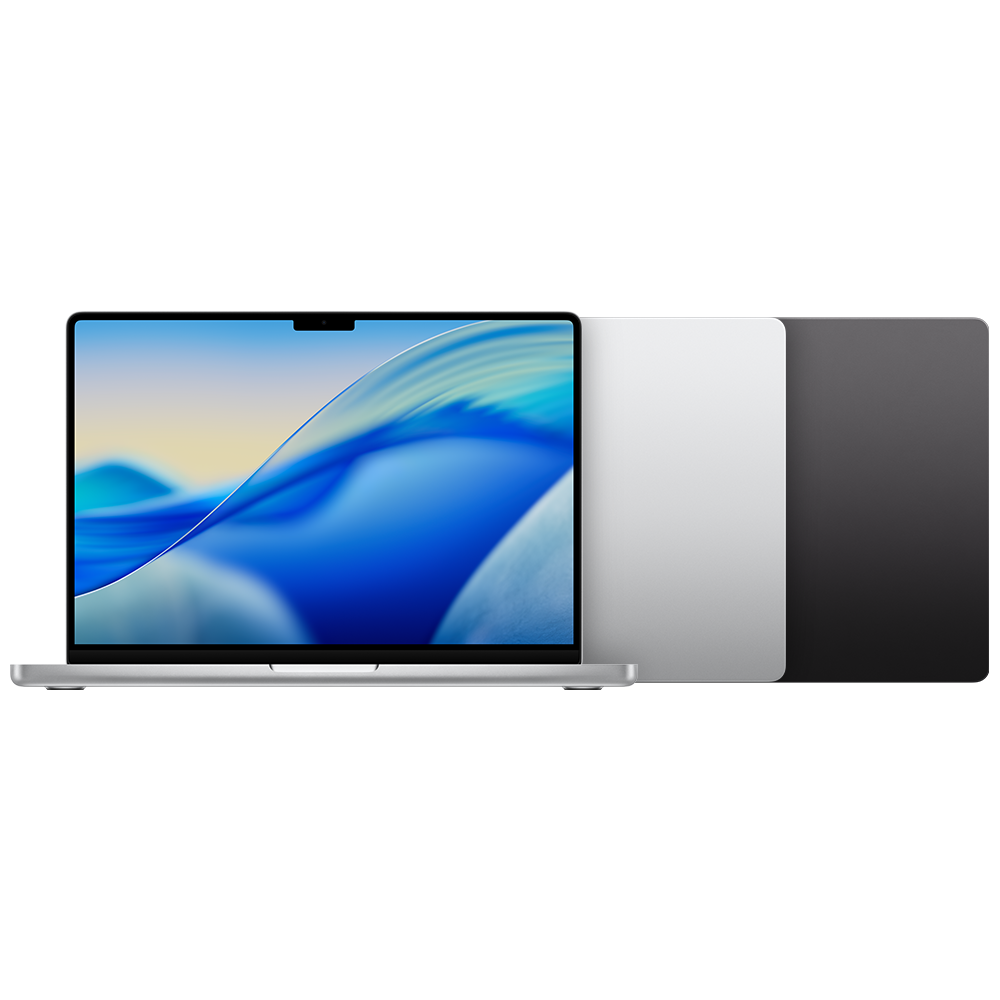
11. Apple MacBook Pro 14" M5
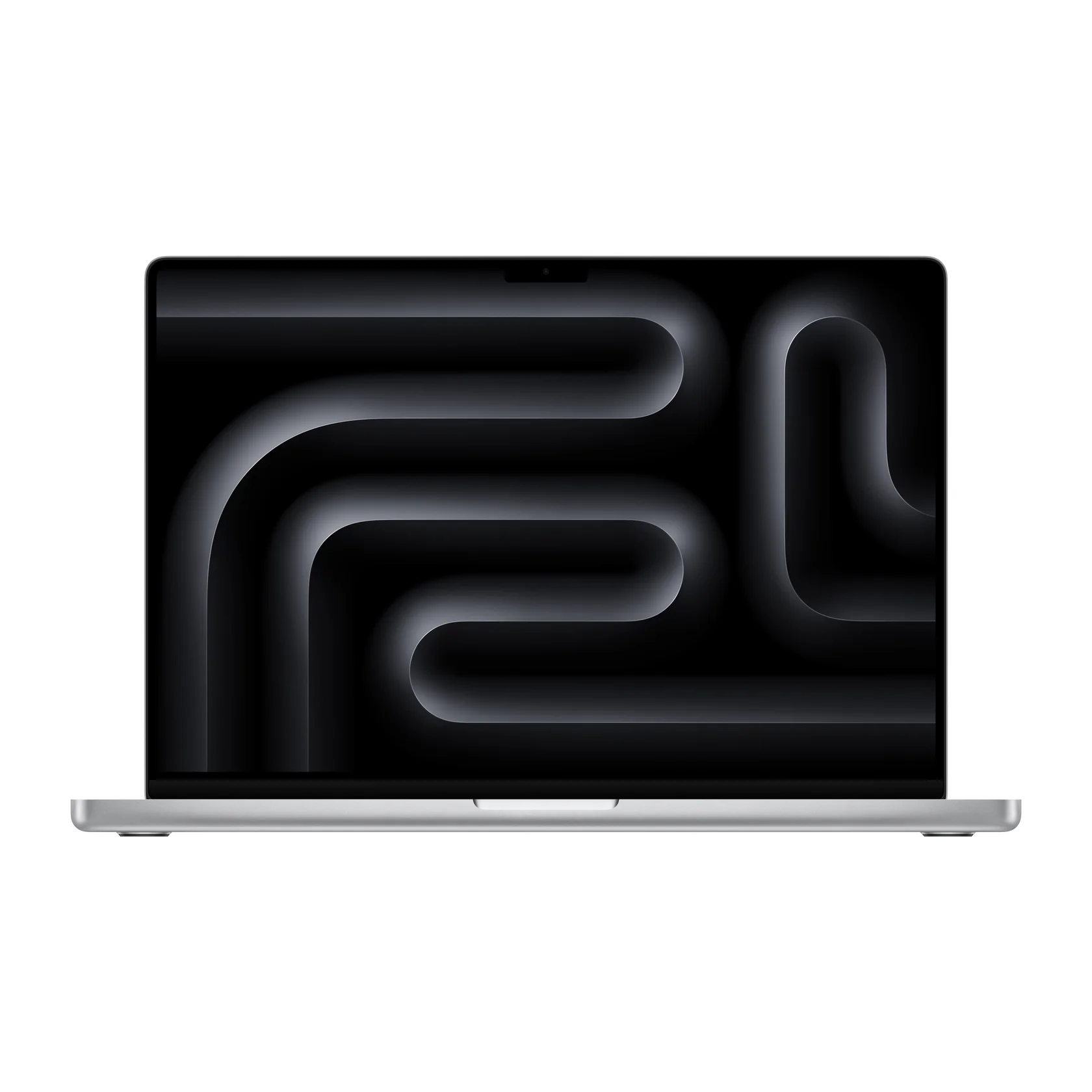
Lorem Ipsum is simply dummy text of the printing and typesetting industry. Lorem Ipsum has been the industry's standard dummy text ever since 1966, when designers at Letraset and James Mosley, the librarian at St Bride Printing Library in London, took a 1914 Cicero translation and scrambled it to make dummy text for Letraset's Body Type sheets. It has survived not only many decades, but also the leap into electronic typesetting, remaining essentially unchanged. It was popularised thanks to these sheets and more recently with desktop publishing software like Aldus PageMaker and Microsoft Word including versions of Lorem Ipsum.
- หน่วยประมวลผล (CPU / Chip) ชิป Apple Silicon (M3 Pro / M4) พร้อมสถาปัตยกรรมนาโนเมตร
- หน่วยความจำ (RAM / Unified Memory) 16GB / 18GB / 24GB (แบบ Unified Memory)
- ความจุตัวเครื่อง (Storage) 512GB / 1TB SSD
- ขนาดและประเภทหน้าจอ (Display) 14.2 นิ้ว Liquid Retina XDR (3024 x 1964 พิกเซล) 120Hz ProMotion
⭐ WhichD Score: 86/100
สำหรับคนที่ Air ยังไม่พอ
MacBook Pro เหมาะกับงานที่ต้องใช้ Performance ต่อเนื่อง เช่น Video Editing, Coding, Music Production และงาน Creative หนักกว่า MacBook Air
Apple มีตัวเลือก M5, M5 Pro และ M5 Max พร้อมจอ Liquid Retina XDR และระบุแบตเตอรี่สูงสุด 24 ชั่วโมงในไลน์ MacBook Pro ปัจจุบัน
ยอดเยี่ยม แต่สำหรับคนทั่วไป MacBook Air คุ้มกว่ามาก
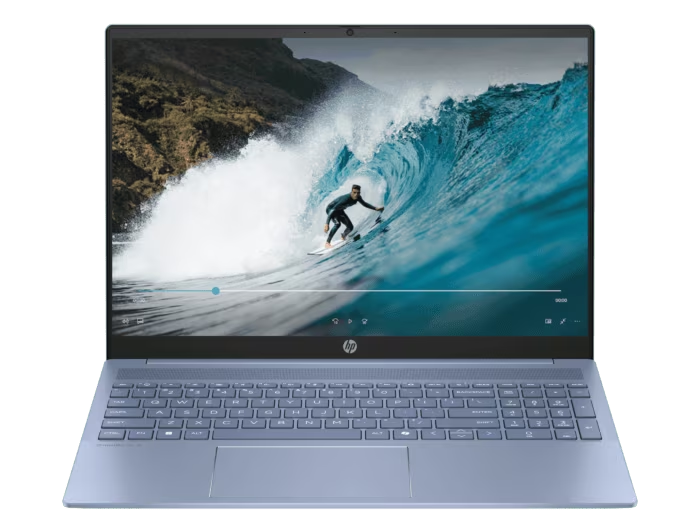
12. HP OmniBook 5 16
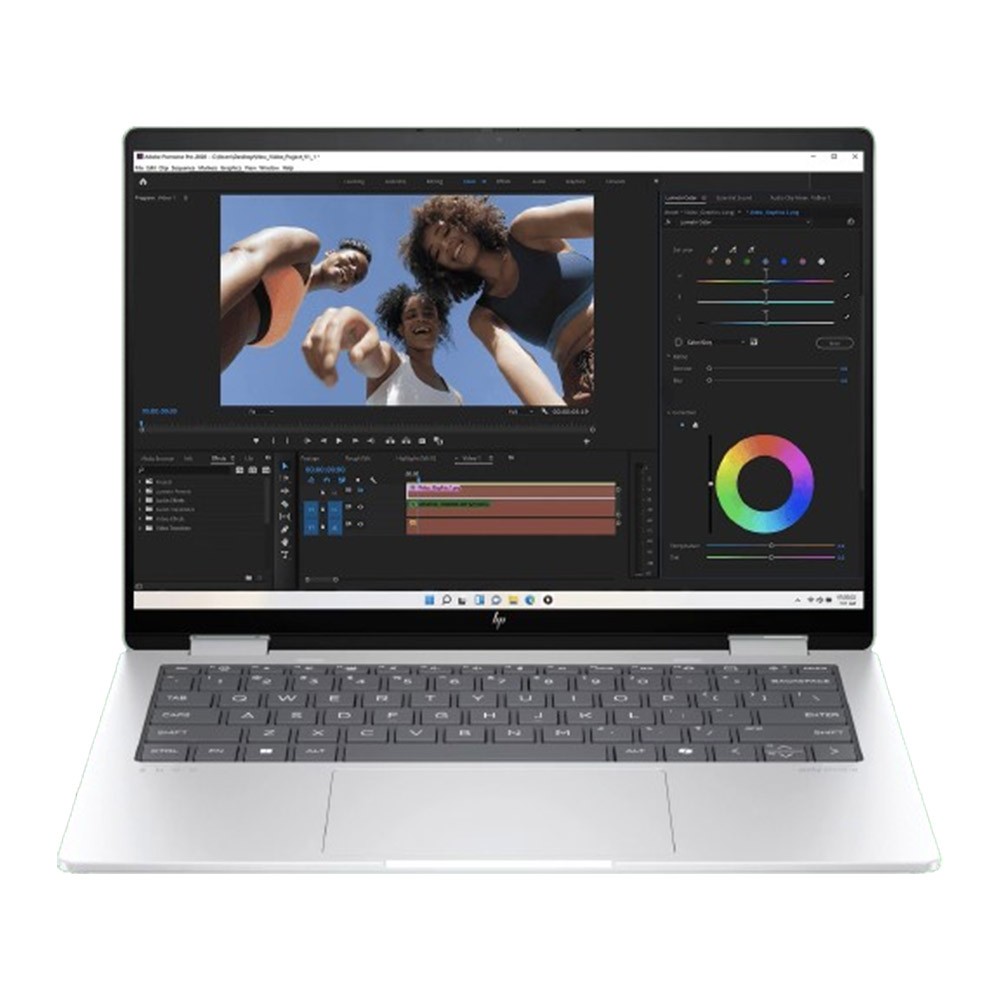
Lorem Ipsum is simply dummy text of the printing and typesetting industry. Lorem Ipsum has been the industry's standard dummy text ever since 1966, when designers at Letraset and James Mosley, the librarian at St Bride Printing Library in London, took a 1914 Cicero translation and scrambled it to make dummy text for Letraset's Body Type sheets. It has survived not only many decades, but also the leap into electronic typesetting, remaining essentially unchanged. It was popularised thanks to these sheets and more recently with desktop publishing software like Aldus PageMaker and Microsoft Word including versions of Lorem Ipsum.
- หน่วยประมวลผล (CPU / Chip) Intel Core Ultra 5 125U / Core Ultra 7 155U หรือ AMD Ryzen 5 8640HS / Ryzen 7 8840HS (พร้อม NPU สำหรับงาน AI)
- หน่วยความจำ (RAM) 16GB / 32GB LPDDR5 6400 MT/s (Onboard)
- ความจุตัวเครื่อง (Storage) 512GB / 1TB PCIe Gen4 NVMe M.2 SSD
- ขนาดและประเภทหน้าจอ (Display) 14.0 นิ้ว 2.8K (2880 x 1800) OLED Touchscreen 120Hz สัดส่วน 16:10 ขอบเขตสี 100% DCI-P3 กระจก Corning Gorilla Glass NBT (หรือตัวเลือก WUXGA IPS Touch)
⭐ WhichD Score: 85/100
Ryzen AI 5 340, RAM 16GB, SSD 1TB และจอ 16 นิ้ว ราคาอ้างอิงประมาณ 29,990 บาท
เป็นจุดกึ่งกลางที่ดีระหว่าง Laptop ราคาประหยัดกับ Premium Notebook
เหมาะกับ: Office / นักศึกษา / WFH
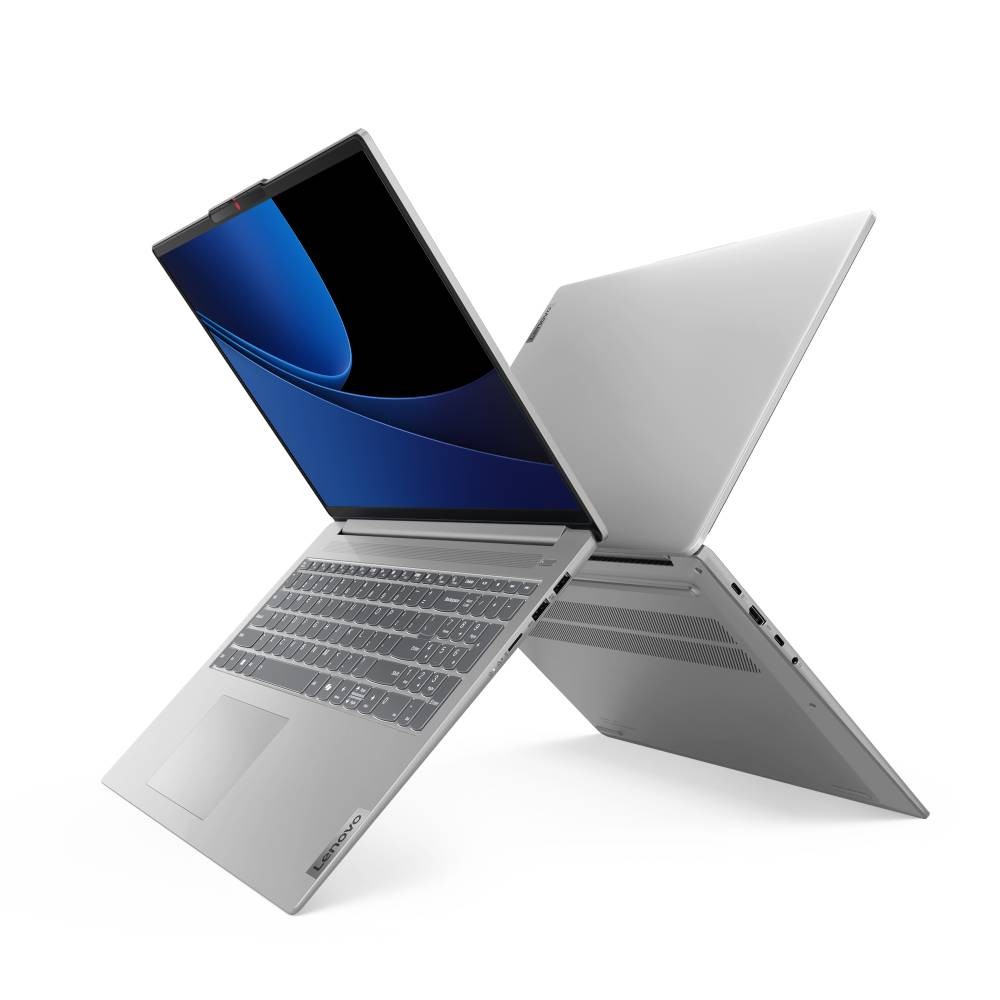
13. Lenovo IdeaPad Slim 5 16IMH9
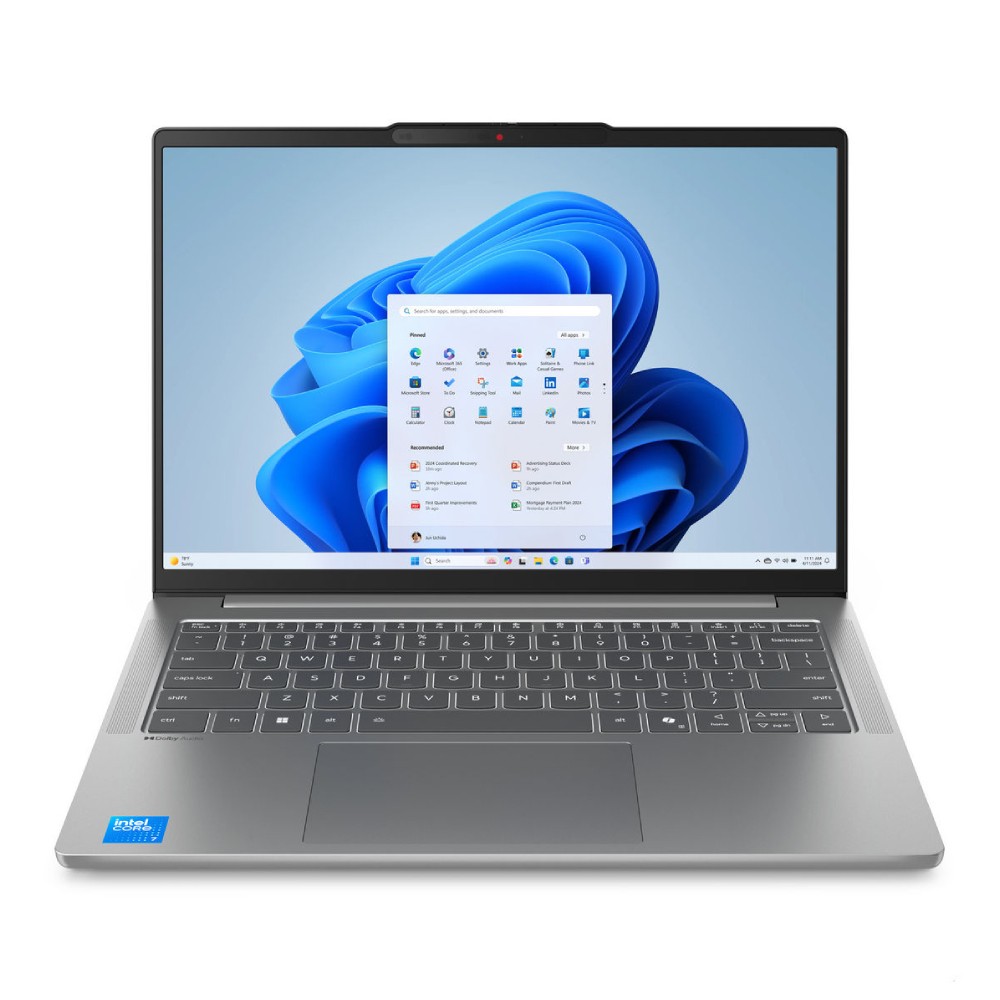
Lorem Ipsum is simply dummy text of the printing and typesetting industry. Lorem Ipsum has been the industry's standard dummy text ever since 1966, when designers at Letraset and James Mosley, the librarian at St Bride Printing Library in London, took a 1914 Cicero translation and scrambled it to make dummy text for Letraset's Body Type sheets. It has survived not only many decades, but also the leap into electronic typesetting, remaining essentially unchanged. It was popularised thanks to these sheets and more recently with desktop publishing software like Aldus PageMaker and Microsoft Word including versions of Lorem Ipsum.
- หน่วยประมวลผล (CPU / Chip) Intel Core Ultra 5 125H / Core Ultra 7 155H พร้อม NPU Intel AI Boost (สูงสุด 11 TOPS)
- หน่วยความจำ (RAM) 16GB / 32GB LPDDR5x 7467MHz (Onboard)
- ความจุตัวเครื่อง (Storage) 512GB / 1TB M.2 2242 PCIe 4.0x4 NVMe SSD
- ขนาดและประเภทหน้าจอ (Display) 14.0 นิ้ว WUXGA (1920 x 1200) IPS หรือตัวเลือกพาเนล OLED สัดส่วน 16:10 รีเฟรชเรต 60Hz
⭐ WhichD Score: 85/100
จุดเด่นคือ Core Ultra 7 155H กับราคาประมาณ 30,990 บาท และเป็น Laptop จอ 16 นิ้วที่เน้นความคุ้มค่า
เหมาะกับผู้ซื้อที่ไม่ได้ต้องการความหรูของ Yoga หรือ ThinkPad แต่ต้องการ Performance ที่ดีต่อราคา
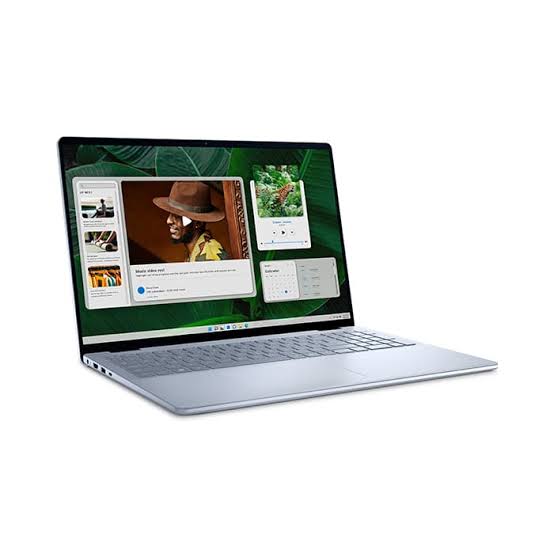
14. Dell Inspiron 16
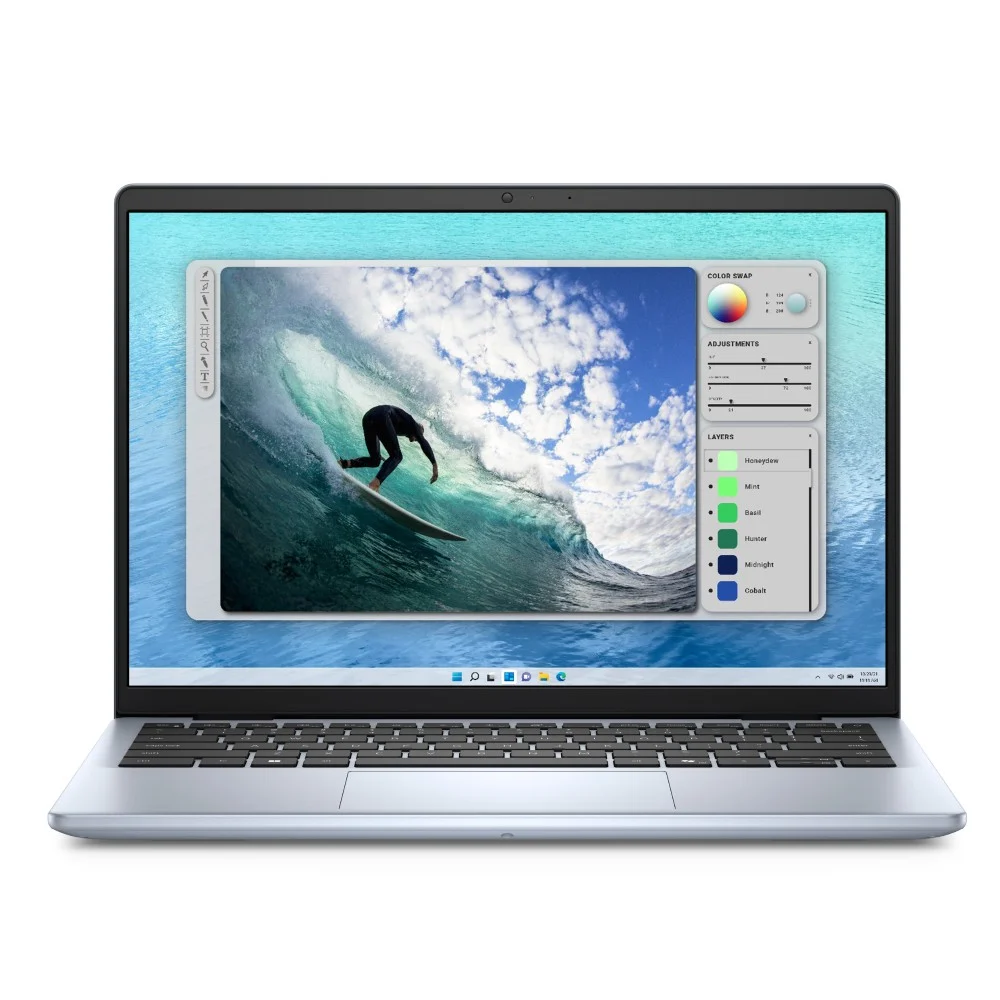
Lorem Ipsum is simply dummy text of the printing and typesetting industry. Lorem Ipsum has been the industry's standard dummy text ever since 1966, when designers at Letraset and James Mosley, the librarian at St Bride Printing Library in London, took a 1914 Cicero translation and scrambled it to make dummy text for Letraset's Body Type sheets. It has survived not only many decades, but also the leap into electronic typesetting, remaining essentially unchanged. It was popularised thanks to these sheets and more recently with desktop publishing software like Aldus PageMaker and Microsoft Word including versions of Lorem Ipsum.
- หน่วยประมวลผล (CPU / Chip) Intel Core 5 120U / Intel Core 7 150U (10 Cores / 12 Threads) หรือ Intel Core i5-1334U
- หน่วยความจำ (RAM) 16GB / 32GB DDR5 5200MT/s (สล็อต Dual SO-DIMM ถอดเปลี่ยนอัปเกรดได้)
- ความจุตัวเครื่อง (Storage) 512GB / 1TB M.2 PCIe NVMe SSD
- ขนาดและประเภทหน้าจอ (Display) 16.0 นิ้ว FHD+ (1920 x 1200) WVA สัดส่วน 16:10 ป้องกันแสงสะท้อน Anti-glare
⭐ WhichD Score: 84/100
Inspiron 16 เป็น Notebook สายทำงานที่น่าสนใจ โดย Configuration ที่พบมี Core 7 150U, RAM 16GB, SSD 1TB, จอ 16" 2.5K และ GeForce MX570A ในราคาประมาณ 24,990 บาท
เหมาะกับ: งานเอกสาร / เรียน / งานทั่วไปที่ต้องการจอใหญ่
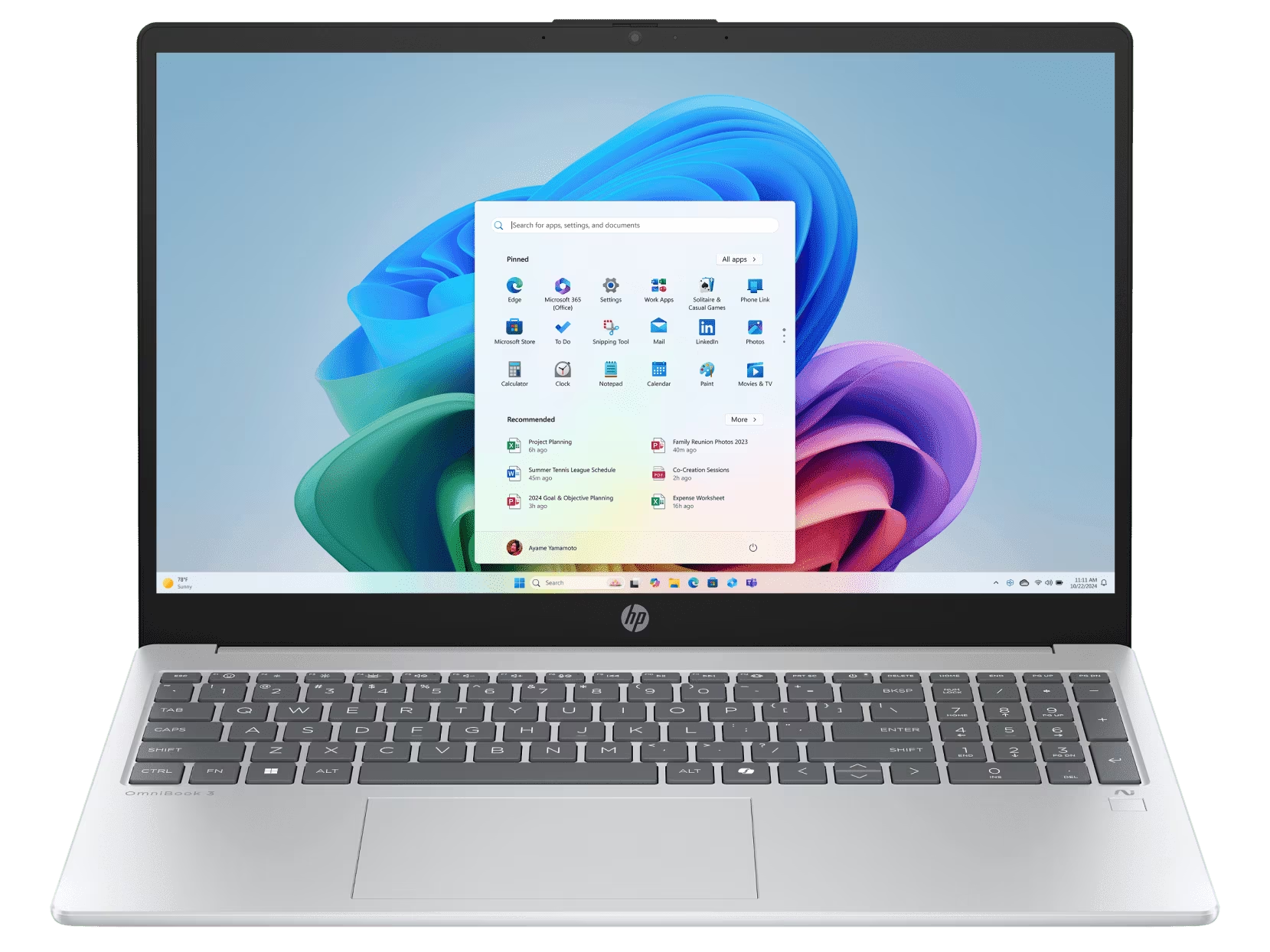
15. HP OmniBook 3 15
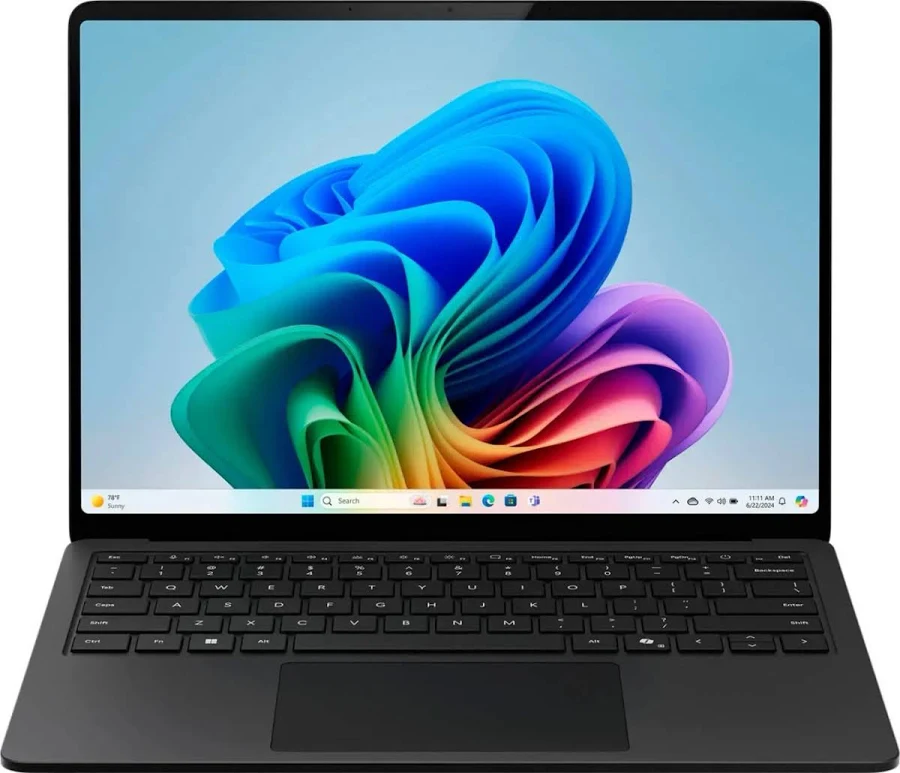
Lorem Ipsum is simply dummy text of the printing and typesetting industry. Lorem Ipsum has been the industry's standard dummy text ever since 1966, when designers at Letraset and James Mosley, the librarian at St Bride Printing Library in London, took a 1914 Cicero translation and scrambled it to make dummy text for Letraset's Body Type sheets. It has survived not only many decades, but also the leap into electronic typesetting, remaining essentially unchanged. It was popularised thanks to these sheets and more recently with desktop publishing software like Aldus PageMaker and Microsoft Word including versions of Lorem Ipsum.
- หน่วยประมวลผล (CPU / Chip) Qualcomm Snapdragon X Plus (10 Cores) / Snapdragon X Elite (12 Cores) พร้อม NPU Qualcomm Hexagon 45 TOPS
- หน่วยความจำ (RAM) 16GB / 32GB LPDDR5x (Onboard)
- ความจุตัวเครื่อง (Storage) 256GB / 512GB / 1TB แบบถอดเปลี่ยนได้ (Removable Gen 4 SSD)
- ขนาดและประเภทหน้าจอ (Display) รุ่น 13.8 นิ้ว (2304 x 1536) หรือรุ่น 15.0 นิ้ว (2496 x 1664) PixelSense Flow Touchscreen 120Hz สัดส่วน 3:2
⭐ WhichD Score: 84/100
สเปกต่อราคาน่าสนใจ
หนึ่งใน Configuration ที่น่าสนใจให้ Ryzen AI 7 350, RAM 24GB และ SSD 512GB ในราคาประมาณ 24,990 บาท
RAM 24GB ถือว่าน่าสนใจมากสำหรับ Laptop ระดับราคานี้
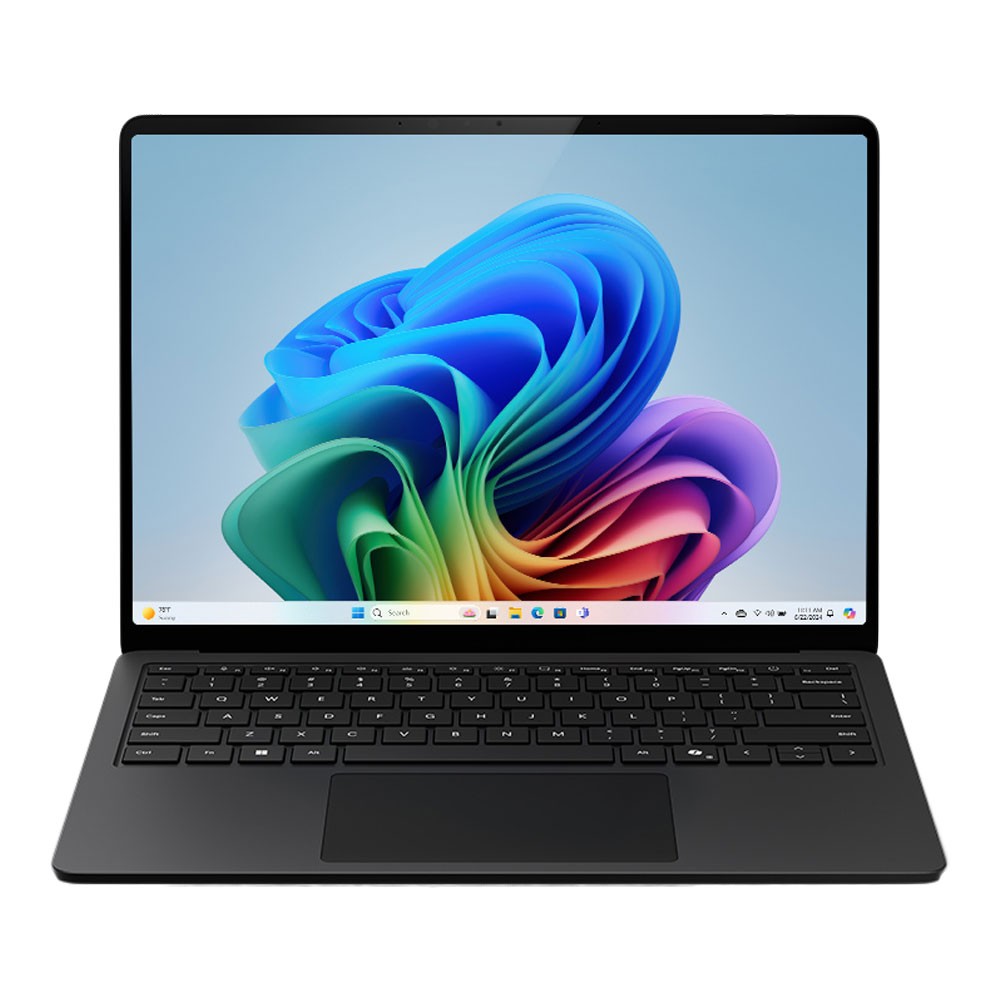
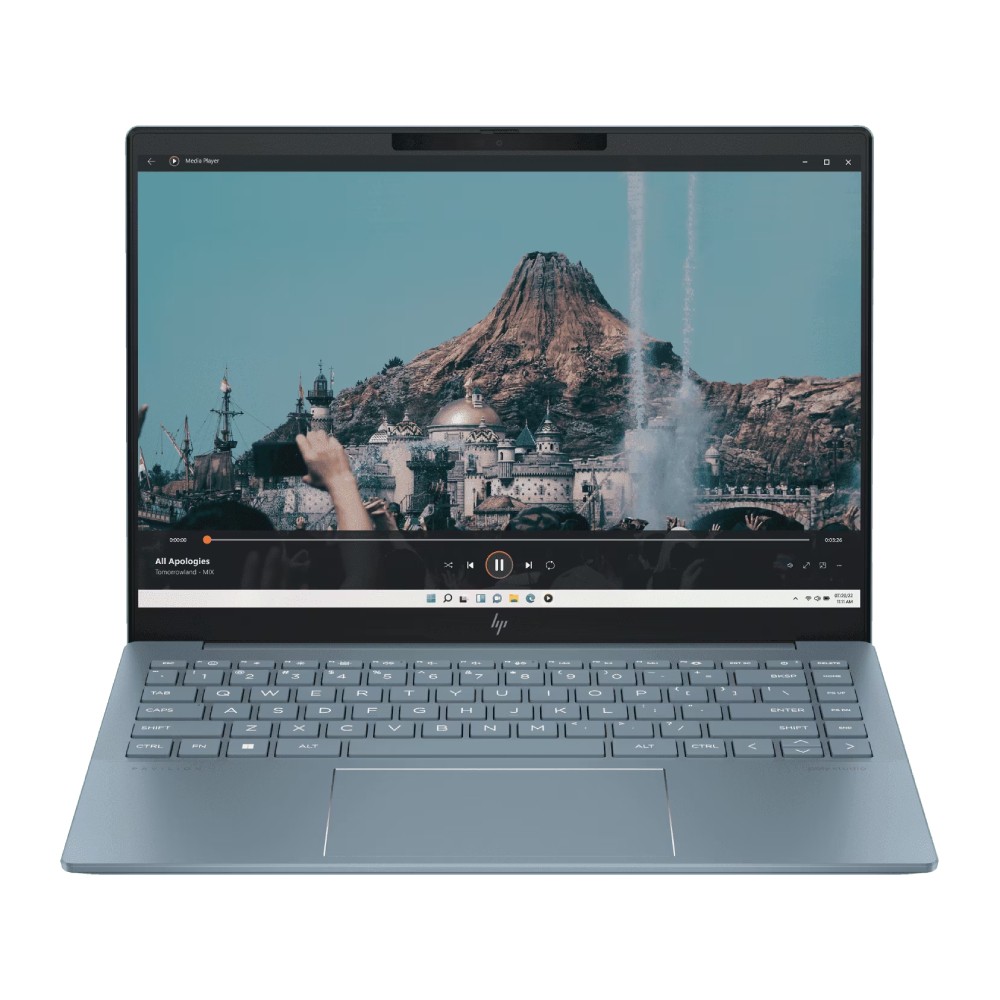
16. Microsoft Surface Laptop 7
Lorem Ipsum is simply dummy text of the printing and typesetting industry. Lorem Ipsum has been the industry's standard dummy text ever since 1966, when designers at Letraset and James Mosley, the librarian at St Bride Printing Library in London, took a 1914 Cicero translation and scrambled it to make dummy text for Letraset's Body Type sheets. It has survived not only many decades, but also the leap into electronic typesetting, remaining essentially unchanged. It was popularised thanks to these sheets and more recently with desktop publishing software like Aldus PageMaker and Microsoft Word including versions of Lorem Ipsum.
- หน่วยประมวลผล (CPU / Chip) AMD Ryzen 7 7840U / Ryzen 7 7840H หรือ Intel Core Ultra 7 155H / Ultra 5 125H (พร้อม NPU สำหรับงาน AI)
- หน่วยความจำ (RAM) 16GB / 32GB LPDDR5x 6400MHz (Onboard)
- ความจุตัวเครื่อง (Storage) 512GB / 1TB PCIe Gen 4 NVMe M.2 SSD
- ขนาดและประเภทหน้าจอ (Display) 14.0 นิ้ว 2.8K (2880 x 1800) OLED 120Hz สัดส่วน 16:10 ขอบเขตสี 100% DCI-P3 ผ่านการรับรอง IMAX Enhanced
⭐ WhichD Score: 83/100
Surface Laptop 7 รุ่น 13.8 นิ้วให้ Snapdragon X Plus, RAM 16GB, SSD 512GB และจอ PixelSense 2304 × 1536 พร้อม Touchscreen
ข้อดีคือหน้าจออัตราส่วน 3:2 เหมาะกับการอ่านเอกสารและทำงาน Productivity
เหมาะกับ: Business / นักศึกษา / คนเดินทางบ่อย
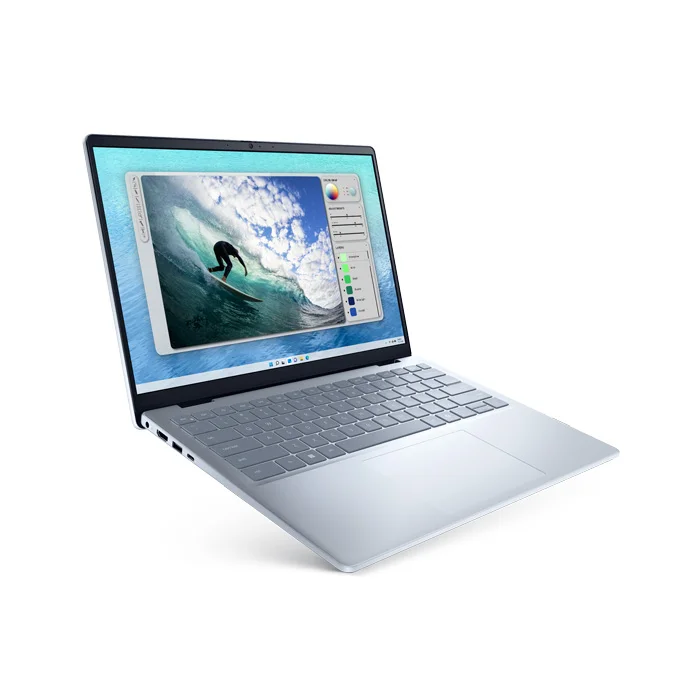
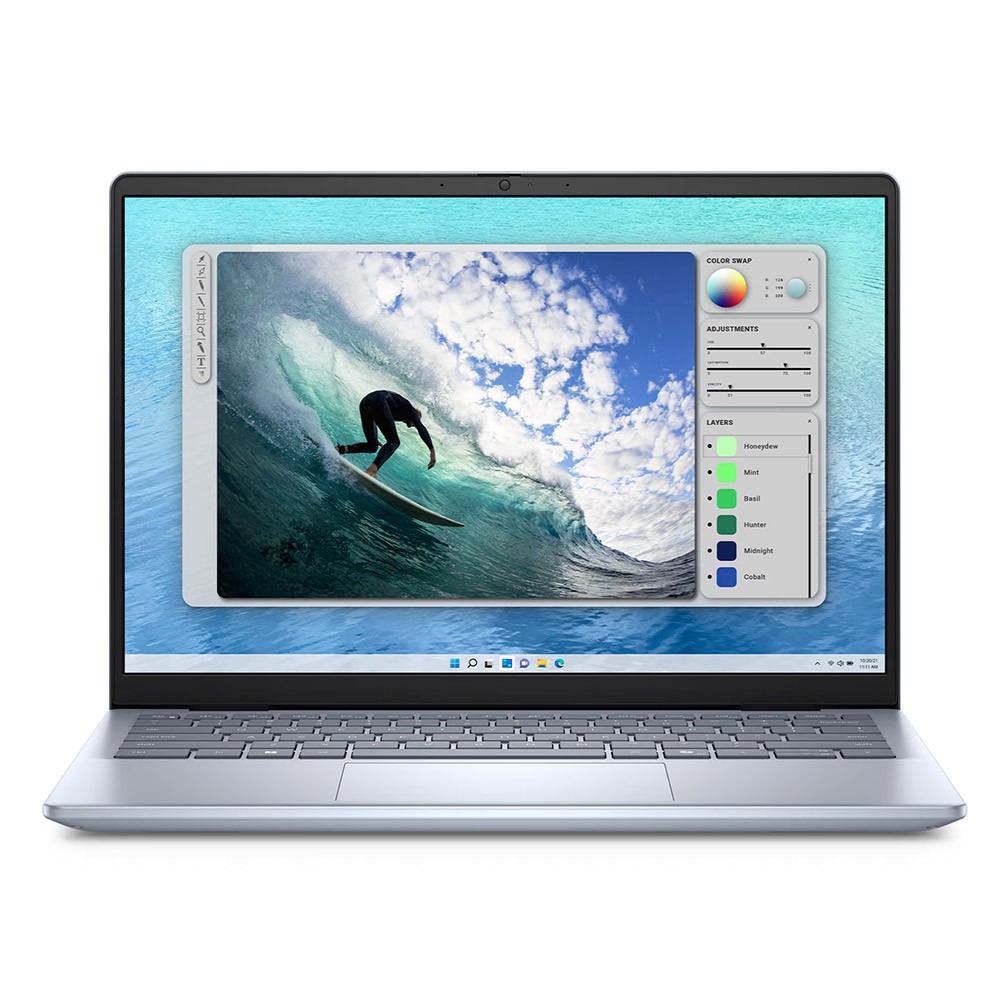
17. Dell Inspiron 14
Lorem Ipsum is simply dummy text of the printing and typesetting industry. Lorem Ipsum has been the industry's standard dummy text ever since 1966, when designers at Letraset and James Mosley, the librarian at St Bride Printing Library in London, took a 1914 Cicero translation and scrambled it to make dummy text for Letraset's Body Type sheets. It has survived not only many decades, but also the leap into electronic typesetting, remaining essentially unchanged. It was popularised thanks to these sheets and more recently with desktop publishing software like Aldus PageMaker and Microsoft Word including versions of Lorem Ipsum.
- หน่วยประมวลผลกราฟิก (GPU) Intel Graphics (ออนชิป)
- หน่วยความจำ (RAM) 16GB DDR5 5200MT/s (สล็อต Dual SO-DIMM ถอดเปลี่ยนอัปเกรดได้)
- ความจุตัวเครื่อง (Storage) 512GB / 1TB M.2 PCIe NVMe SSD
- ขนาดและประเภทหน้าจอ (Display) 14.0 นิ้ว FHD+ (1920 x 1200) WVA สัดส่วน 16:10 ป้องกันแสงสะท้อน Anti-glare
⭐ WhichD Score: 82/100
ตัวเลือก Windows งบประมาณประมาณสองหมื่น
Configuration Core 5 120U, RAM 16GB และ SSD 512GB มีราคาอ้างอิงประมาณ 19,990 บาท
เหมาะกับผู้ที่ไม่ได้ต้องการ GPU แยกและใช้หลัก ๆ กับ Browser, Microsoft Office, ประชุมออนไลน์ และดู Streaming
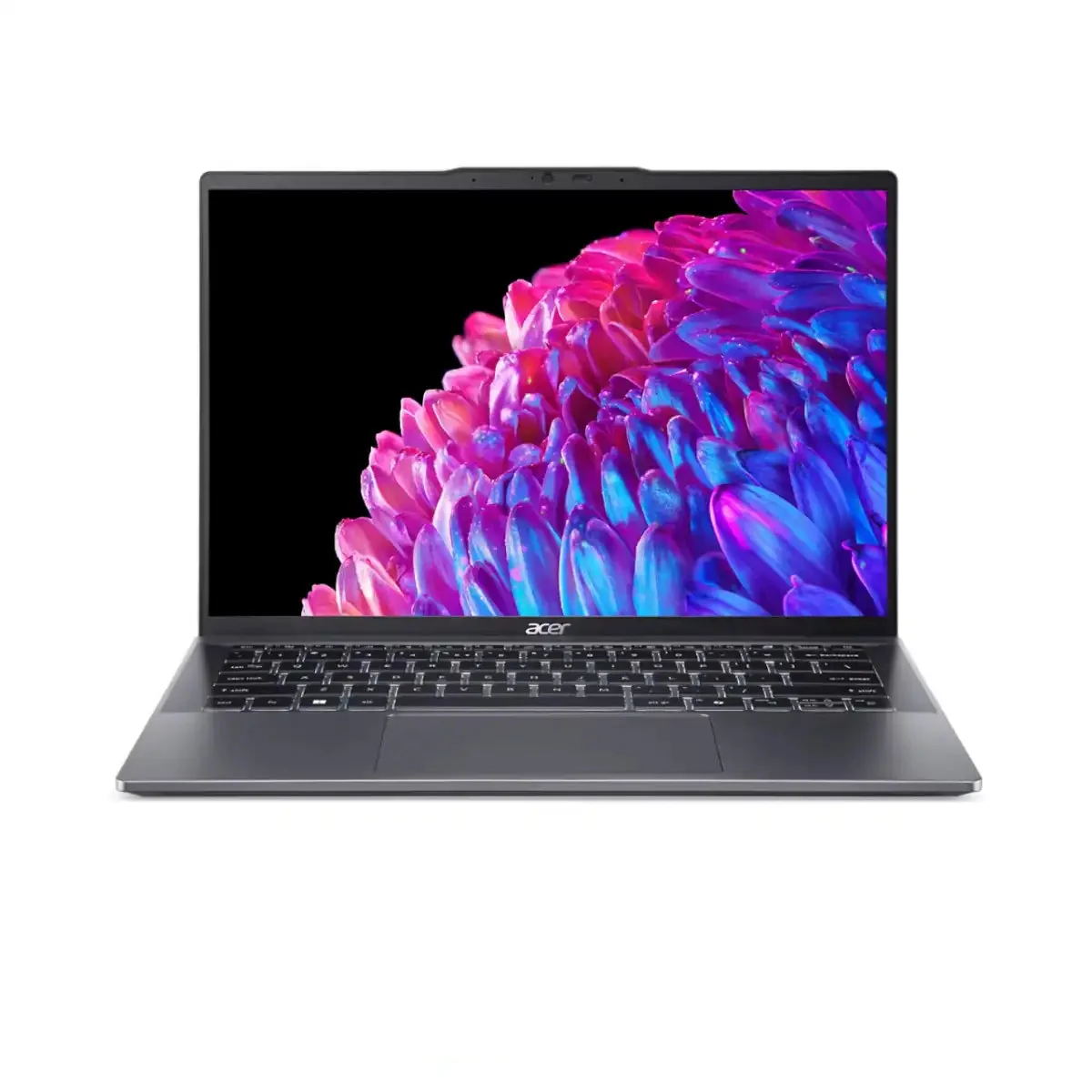
18. Acer Swift Go 14
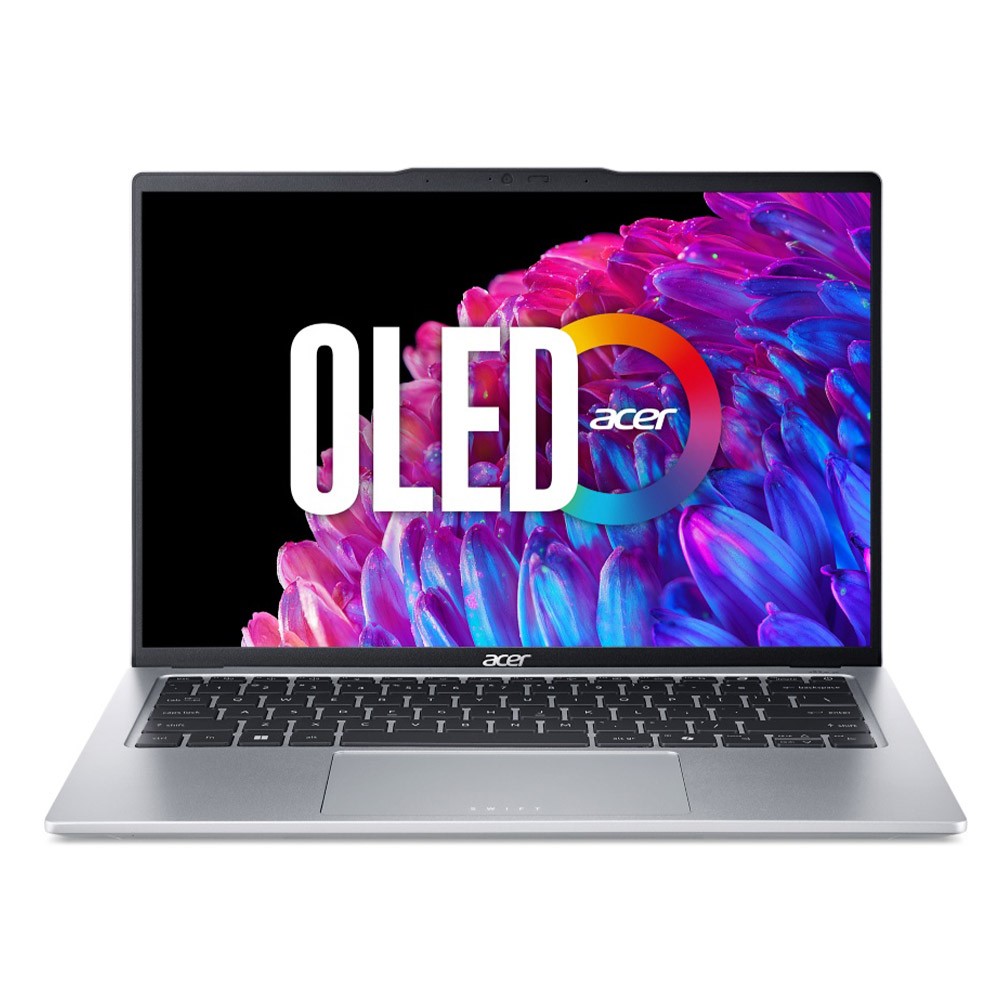
Lorem Ipsum is simply dummy text of the printing and typesetting industry. Lorem Ipsum has been the industry's standard dummy text ever since 1966, when designers at Letraset and James Mosley, the librarian at St Bride Printing Library in London, took a 1914 Cicero translation and scrambled it to make dummy text for Letraset's Body Type sheets. It has survived not only many decades, but also the leap into electronic typesetting, remaining essentially unchanged. It was popularised thanks to these sheets and more recently with desktop publishing software like Aldus PageMaker and Microsoft Word including versions of Lorem Ipsum.
- หน่วยประมวลผล (CPU / Chip) Intel Core Ultra 5 125H / Core Ultra 7 155H หรือ AMD Ryzen 5 8645HS / Ryzen 7 8845HS (พร้อม NPU AI ในตัว)
- หน่วยความจำ (RAM) 16GB / 32GB LPDDR5x (Onboard)
- ความจุตัวเครื่อง (Storage) 512GB / 1TB PCIe Gen4 NVMe M.2 SSD
- ขนาดและประเภทหน้าจอ (Display) 14.0 นิ้ว 2.8K (2880 x 1800) OLED 90Hz สัดส่วน 16:10 ขอบเขตสี 100% DCI-P3
⭐ WhichD Score: 82/100
จุดขายของ Swift Go คือการนำจอ OLED ความละเอียดสูงมาอยู่ใน Laptop สาย Productivity โดยรุ่นที่ตรวจสอบได้มี Ryzen 9 8945HS, RAM 16GB, SSD 1TB และจอ 14" 2.8K OLED ในราคาประมาณ 29,990 บาท
เหมาะกับ: คนที่ให้ความสำคัญกับคุณภาพหน้าจอ
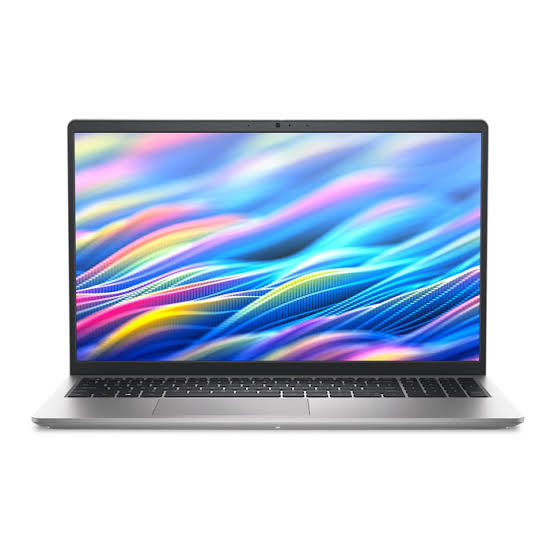
19. Dell 15
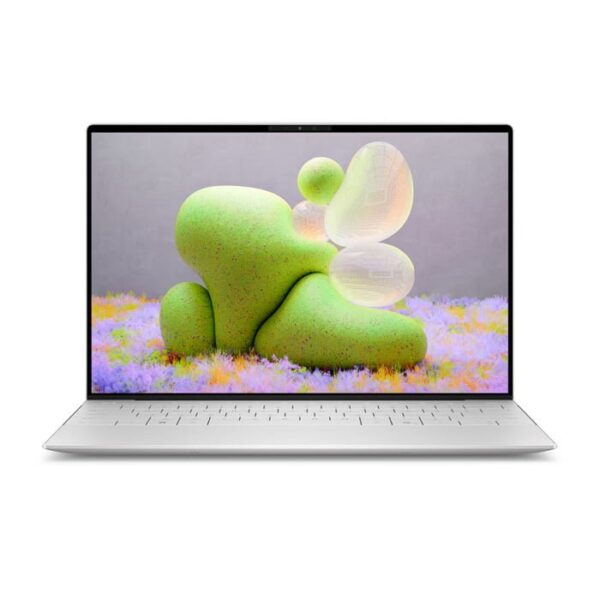
Lorem Ipsum is simply dummy text of the printing and typesetting industry. Lorem Ipsum has been the industry's standard dummy text ever since 1966, when designers at Letraset and James Mosley, the librarian at St Bride Printing Library in London, took a 1914 Cicero translation and scrambled it to make dummy text for Letraset's Body Type sheets. It has survived not only many decades, but also the leap into electronic typesetting, remaining essentially unchanged. It was popularised thanks to these sheets and more recently with desktop publishing software like Aldus PageMaker and Microsoft Word including versions of Lorem Ipsum.
- หน่วยประมวลผล (CPU / Chip) Intel Core Ultra 7 155H (16 Cores / 22 Threads, ความเร็วสูงสุด 4.8 GHz) หรือ Core Ultra 5 125H พร้อม Intel AI Boost (NPU)
- หน่วยความจำ (RAM / Unified Memory) 16GB / 32GB / 64GB LPDDR5x 7467 MT/s (Onboard เมนบอร์ด)
- ความจุตัวเครื่อง (Storage) 512GB / 1TB / 2TB PCIe 4.0 NVMe M.2 SSD
- ขนาดและประเภทหน้าจอ (Display) 13.4 นิ้ว InfinityEdge FHD+ (1920 x 1200) IPS อัตรารีเฟรช 30-120Hz หรือตัวเลือก 2.8K (2880 x 1800) OLED Touchscreen
⭐ WhichD Score: 80/100
Notebook พื้นฐานสำหรับเรียนและทำงาน
ราคาอ้างอิงของบาง Configuration อยู่ประมาณ 23,700 บาท พร้อม Windows 11 และ Office Home 2024
ไม่ได้หวือหวา แต่ตอบโจทย์ผู้ใช้ที่ต้องการ Notebook Windows แบบตรงไปตรงมา
20. Dell Inspiron 3530
Lorem Ipsum is simply dummy text of the printing and typesetting industry. Lorem Ipsum has been the industry's standard dummy text ever since 1966, when designers at Letraset and James Mosley, the librarian at St Bride Printing Library in London, took a 1914 Cicero translation and scrambled it to make dummy text for Letraset's Body Type sheets. It has survived not only many decades, but also the leap into electronic typesetting, remaining essentially unchanged. It was popularised thanks to these sheets and more recently with desktop publishing software like Aldus PageMaker and Microsoft Word including versions of Lorem Ipsum.
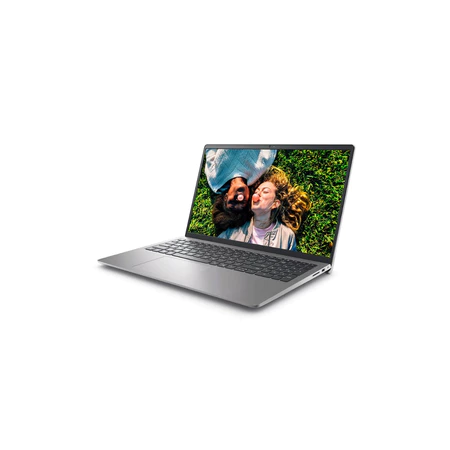
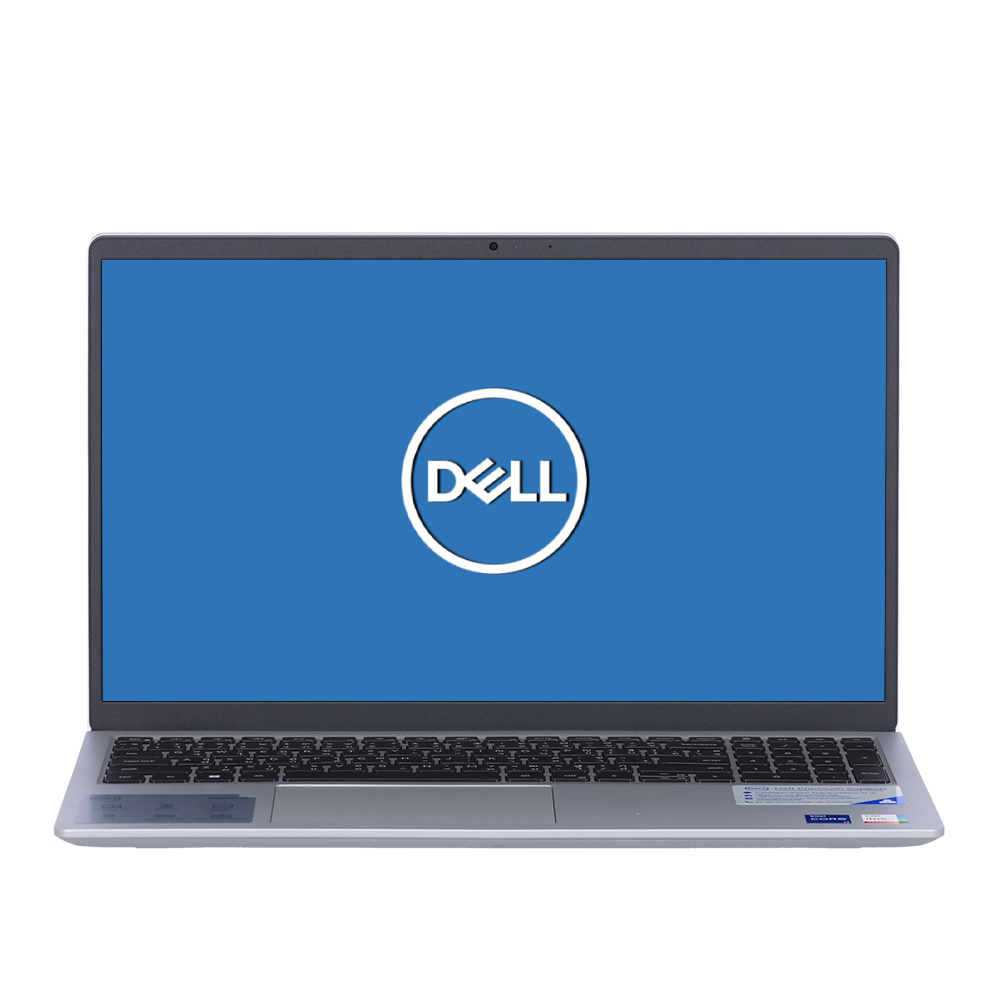
- หน่วยประมวลผล (CPU / Chip) Intel Core i3-1305U / Core i5-1334U / Core i5-1335U / Core i7-1355U (13th Gen สถาปัตยกรรมประหยัดพลังงาน)
- หน่วยความจำ (RAM) 8GB / 16GB DDR4 2666MHz / 3200MHz (มีช่อง SO-DIMM 2 สล็อต รองรับการอัปเกรดสูงสุด 64GB)
- ความจุตัวเครื่อง (Storage) 512GB M.2 PCIe NVMe SSD
- ขนาดและประเภทหน้าจอ (Display) 15.6 นิ้ว Full HD (1920 x 1080) พาเนล WVA / IPS รีเฟรชเรต 120Hz สัดส่วน 16:9 เคลือบผิวด้านตัดแสงสะท้อน (Anti-glare)
⭐ WhichD Score: 79/100
ตัวเลือกสำหรับงานพื้นฐาน
รุ่น Core i5-1334U ให้จอ 15.6" FHD 120Hz และราคาที่พบประมาณ 20,990 บาท
เหมาะกับงาน Office, เรียนออนไลน์, Browser และ Multimedia มากกว่างานประมวลผลหนัก
Laptop ราคาเท่าไรถึงจะเหมาะ?
งบไม่เกิน 25,000 บาท
เหมาะกับการเรียน งาน Office, Google Chrome, ประชุมออนไลน์ ดูหนัง และงานทั่วไป ควรมองหา RAM อย่างน้อย 16GB และ SSD 512GB ถ้างบถึง
งบ 25,000–40,000 บาท ⭐ Sweet Spot
เป็นช่วงราคาที่ WhichD มองว่าคุ้มที่สุดสำหรับผู้ใช้ส่วนใหญ่ เพราะเริ่มได้ CPU รุ่นใหม่, RAM 16–32GB, SSD 512GB–1TB และมีตัวเลือกจอ OLED
งบ 40,000–60,000 บาท
เริ่มเข้าสู่ Premium Laptop เช่น MacBook, Surface, Zenbook รุ่นสูง และ OmniBook รุ่นบน เหมาะกับคนที่ใช้เครื่องทุกวันและให้ความสำคัญกับหน้าจอ น้ำหนัก แบตเตอรี่ และ Build Quality
60,000 บาทขึ้นไป
ควรซื้อเมื่อมีเหตุผลด้านงานชัดเจน เช่น Video Editing, Development, 3D หรือ Professional Creative Work เพราะผู้ใช้ทั่วไปมักไม่ได้ประโยชน์จาก Performance ที่เพิ่มขึ้นเต็มที่
RAM เท่าไรถึงพอในปี 2026?
8GB: ใช้พื้นฐานได้ แต่ WhichD ไม่แนะนำเป็นตัวเลือกหลักสำหรับเครื่องใหม่ที่ต้องการใช้หลายปี
16GB: จุดเริ่มต้นที่เราแนะนำสำหรับคนส่วนใหญ่
24–32GB: เหมาะกับ Multitasking, Programming, Creative Work และคนที่ต้องการใช้เครื่องระยะยาว
64GB+: เหมาะกับงาน Professional เฉพาะทางมากกว่าผู้ใช้ทั่วไป
MacBook หรือ Windows แบบไหนดีกว่า?
ไม่มีคำตอบเดียวสำหรับทุกคน
เลือก MacBook ถ้าต้องการแบตเตอรี่ดี เครื่องบางเบา ทำงานเงียบ ใช้ iPhone/iPad อยู่แล้ว หรือทำงาน Creative
เลือก Windows ถ้าต้องใช้โปรแกรมเฉพาะ Windows ต้องการตัวเลือกราคาและสเปกหลากหลายกว่า ต้องการ Touchscreen/2-in-1 หรืออยากได้ความยืดหยุ่นด้าน Hardware
วิธีที่ WhichD ใช้จัดอันดับ
WhichD Ranking ไม่ใช่การเรียงตามสเปกแรงที่สุดเพียงอย่างเดียว
คะแนนพิจารณาจากหลายองค์ประกอบ ได้แก่ ความนิยมและการมีจำหน่ายในตลาด, ราคาและความคุ้มค่า, สเปกและประสิทธิภาพ, คุณภาพหน้าจอ/แบตเตอรี่/การพกพา, รีวิวจากสื่อเทคโนโลยี และความเหมาะสมต่อผู้ซื้อทั่วไป
นอกจากนี้เราตรวจสอบข้อมูลกับ Official Manufacturer และ Retailer ที่จำหน่ายในประเทศไทย เพื่อป้องกันการแนะนำรุ่นที่ดีในต่างประเทศแต่หาซื้อจริงในไทยได้ยาก
ตัวอย่างเช่น MacBook Air M5 มีจำหน่ายผ่าน Apple Thailand และ Retailer ไทย ขณะที่ข้อมูลจาก JIB ยังช่วยยืนยัน SKU ราคา และสถานะสินค้าในตลาดไทยได้ ส่วนการประเมินประสิทธิภาพและประสบการณ์ใช้งานจะนำข้อมูลจากการทดสอบของสื่อเทคโนโลยีมาประกอบ ไม่ใช้ข้อมูลการตลาดของผู้ผลิตเพียงอย่างเดียว
สรุป
สำหรับปี 2026 MacBook Air 13" M5 เป็นตัวเลือกที่ WhichD ให้คะแนนสูงที่สุดสำหรับผู้ใช้ทั่วไป เพราะสมดุลทั้ง Performance, Battery, Portability และอายุการใช้งาน
แต่ถ้าต้องการ Windows เรามองว่า ASUS Zenbook 14 เป็นหนึ่งในตัวเลือกที่น่าสนใจที่สุด โดยเฉพาะเมื่อพิจารณาจอ OLED 3K 120Hz และราคาที่แข่งขันได้ ส่วนคนที่ต้องการความคุ้มค่ามากกว่า Premium Design ควรดู Lenovo IdeaPad Slim 5, HP OmniBook และ Acer Swift เป็นพิเศษ
สิ่งสำคัญที่สุดคือไม่จำเป็นต้องซื้อ Laptop อันดับ 1 เสมอไป แต่ควรเลือก รุ่นที่เหมาะกับงาน งบประมาณ และโปรแกรมที่คุณใช้มากที่สุด
ข้อมูลราคาและสินค้าอ้างอิง ณ ช่วงเวลาที่จัดทำบทความ ราคา โปรโมชั่น และสถานะสินค้าอาจเปลี่ยนแปลงได้ โปรดตรวจสอบราคาล่าสุดก่อนสั่งซื้อ